
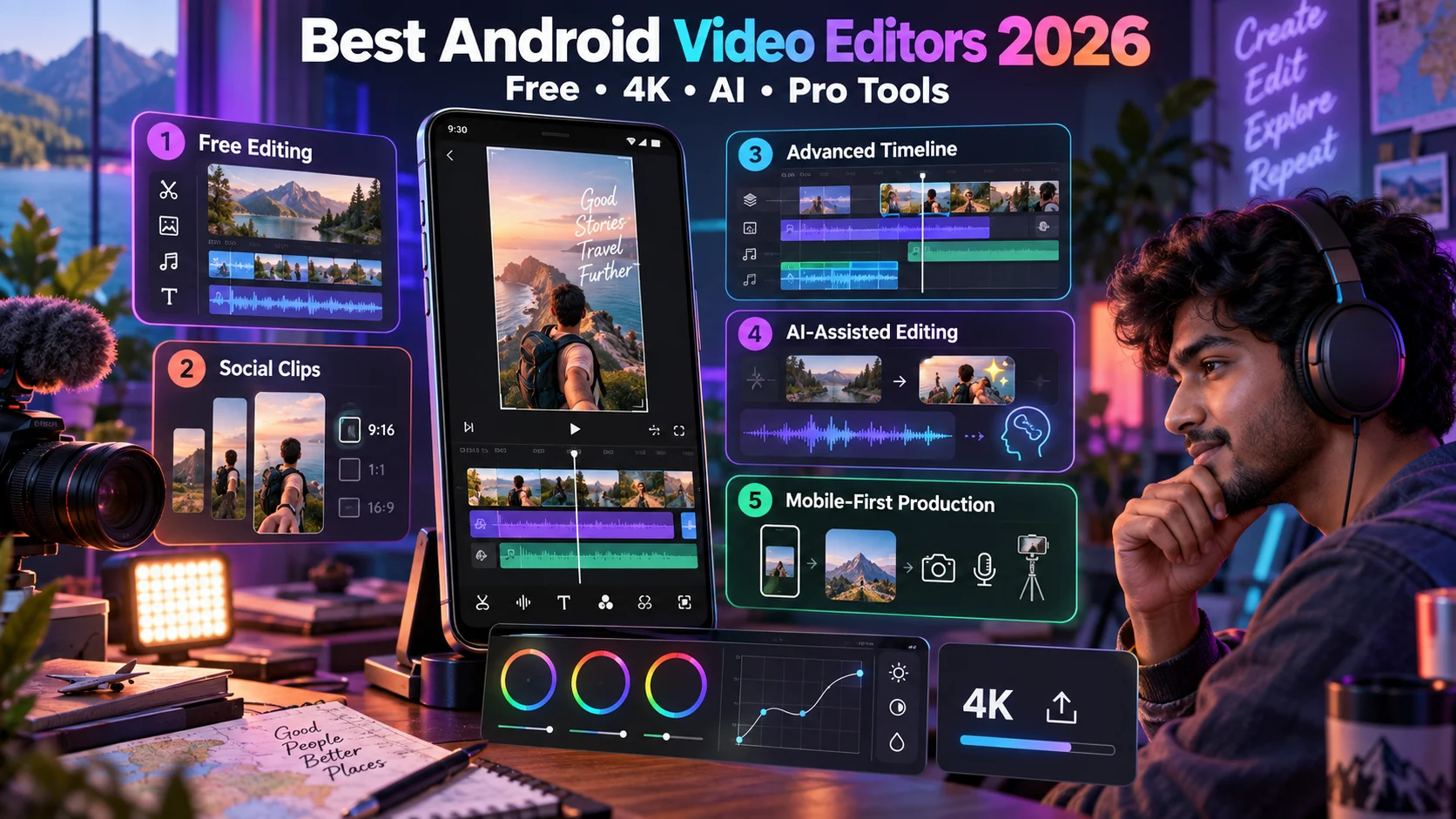
Android के 5 Best Video Editing Apps 2026: Free, 4K, AI और Professional Editing
Adobe Premiere, CapCut, LumaFusion, PowerDirector और KineMaster की detailed Hindi comparison—4K export, watermark, AI tools और सही use case सहित।
Android phone पर video editing अब केवल trim, filter और music तक सीमित नहीं है। Multi-track timelines, keyframes, color correction, automatic captions, background removal और 4K export जैसे tools mobile creators को कई projects computer के बिना complete करने देते हैं।
लेकिन हर app का “best” होना अलग use case पर निर्भर है। कोई watermark-free free export में बेहतर है, कोई short-form templates में, कोई manual timeline control में और कोई AI-assisted workflow में। इस guide में पांच major Android editors को practical criteria पर compare किया गया है ताकि आप अपने phone, budget और content type के अनुसार सही app चुन सकें। Reels strategy समझने के लिए हमारी Instagram Algorithm 2026 guide भी उपयोगी है।
Quick comparison
| App | Best for | Payment model | Export direction | Main limitation |
|---|---|---|---|---|
| Adobe Premiere | Free multi-track and watermark-free editing | Core editing free; optional AI credits | Up to 4K on supported devices | Some features differ by platform or device |
| CapCut | Social videos, templates and cross-device workflow | Free plus Standard/Pro tiers | Plan and device dependent | Premium assets and features vary |
| LumaFusion | Advanced manual timeline editing | Paid app with optional purchases | Professional export controls | Upfront cost and learning curve |
| PowerDirector | AI-assisted creation plus timeline tools | Free with premium subscription | Up to 4K where supported | Ads, premium locks and device limits |
| KineMaster | Feature-rich mobile-first editing | Free with Premium | Up to 4K/60fps on compatible devices | Free plan watermark and ads |
हमने apps को कैसे evaluate किया?
| Criterion | क्या check करें | क्यों महत्वपूर्ण है |
|---|---|---|
| Timeline | Tracks, precision, snapping, keyframes | Complex edit control |
| Export | Resolution, fps, bitrate, codec, watermark | Final video quality |
| Audio | Mixing, noise cleanup, ducking, waveform | Professional clarity |
| Color | Correction, LUTs, curves, scopes | Consistent visual style |
| AI tools | Captions, cutout, cleanup, generation | Editing speed |
| Workflow | Cloud, desktop handoff, external storage | Multi-device production |
| Cost | Free limits, subscription, one-time option | Long-term value |
| Privacy | Cloud uploads and AI processing | Sensitive footage control |
1. Adobe Premiere: best free professional-style editor
Adobe Premiere on mobile का strongest point core editing को free, clean और watermark-free रखना है। Official product information के अनुसार unlimited tracks, automatic captions, audio enhancement और 4K export जैसे core functions available हैं; generative AI features अलग credits या account requirements के साथ आ सकते हैं।
| Strength | Practical benefit |
|---|---|
| Multi-track timeline | Video, overlay, text और audio layers organize करना आसान |
| No core-export watermark | Brand और client work के लिए clean output |
| Automatic captions | Shorts और silent-viewing audience के लिए useful |
| Enhance Audio | Dialogue clarity जल्दी improve हो सकती है |
| 4K export | Compatible phone पर high-resolution delivery |
| Desktop ecosystem | Supported workflow में आगे desktop finishing |
किसके लिए: Creators जिन्हें free multi-track editing, captions और watermark-free export चाहिए। Check before choosing: Android version, RAM requirement, phone compatibility और कौन-से AI features Android पर वास्तव में available हैं। Marketing page पर दिखाई feature हर device या platform पर समान समय पर नहीं आती।
2. CapCut: short-form social content और templates
CapCut Reels, Shorts और other vertical videos के लिए templates, effects, captions, social formats और cross-device tools का broad combination देता है। Standard और Pro benefits region, platform, account और current offer के अनुसार बदल सकते हैं; final subscription details हमेशा app checkout में verify करें।
| Feature area | Why creators use it | What to verify |
|---|---|---|
| Templates | Fast trend-based edits | Commercial-use rights and premium label |
| Auto captions | Quick subtitles | Language accuracy and plan limit |
| Effects and transitions | Short-form visual pace | Free vs Pro asset |
| Cloud workflow | Mobile, desktop and web continuity | Storage quota and sync availability |
| Team features | Brand assets and review | Plan and region eligibility |
| AI tools | Cutout, tracking and generation | Credits, internet and privacy |
किसके लिए: High-volume social creators और teams जिन्हें speed, templates और shared workflow चाहिए। ध्यान दें: किसी template में music, stock clip या effect उपलब्ध होना automatically हर commercial campaign के rights guarantee नहीं करता। Asset license और platform policy अलग check करें।
3. LumaFusion: advanced manual control without a traditional subscription
LumaFusion traditional non-linear editor की तरह deeper timeline control देता है। Official Android information में six video/audio or graphic tracks के साथ six additional audio tracks, unlimited keyframes, color correction, LUT import, chroma key, audio EQ और project archiving जैसी capabilities शामिल हैं।
| Professional tool | Use case |
|---|---|
| Magnetic timeline | Structured long-form editing |
| Unlimited keyframes | Motion, effects and audio automation |
| LUT support | Camera footage and consistent color look |
| Chroma/luma key | Green-screen and compositing |
| Audio EQ and ducking | Dialogue-focused mixes |
| Project archive | Backup and transfer |
Official minimum direction Android 10 और 3GB RAM है, लेकिन heavy 4K projects के लिए यह केवल eligibility है, comfortable performance की guarantee नहीं। Faster storage, more RAM और stronger processor useful होंगे।
किसके लिए: YouTube videos, interviews, documentaries और manual creative control चाहने वाले editors। Trade-off: Template-first apps से सीखने में अधिक समय लग सकता है।
4. PowerDirector: AI tools और conventional timeline का mix
PowerDirector trimming, layers, titles, transitions, background removal और speed tools के साथ AI-assisted features जोड़ता है। Text-to-video, image-to-video, speech enhancement और automatic tools availability plan, app version और region से बदल सकती है।
| Workflow | Useful for | Possible limitation |
|---|---|---|
| AI background removal | Product, presenter and social clips | Complex edges पर manual cleanup |
| Speech enhancement | Noisy dialogue | Over-processing voice quality |
| Auto captions | Accessible short videos | Names and Hindi-English mix corrections |
| Stock assets | Fast B-roll | Premium access and usage terms |
| Cloud projects | Backup or device continuity | Subscription and upload time |
| 4K export | High-quality delivery | Premium/device capability restrictions |
किसके लिए: Users जो manual editing के साथ AI shortcuts चाहते हैं। Subscription लेने से पहले अपने actual phone पर free project export करके speed, heat, watermark और locked features check करें।
5. KineMaster: mobile-first feature-rich editing
KineMaster लंबे समय से Android editing में multi-layer timeline, keyframes, chroma key, color tools, speed control और audio mixing देता आया है। Compatible devices पर high-resolution/high-frame-rate export possible हो सकता है, लेकिन app का device performance check final capability तय कर सकता है।
| Feature | Creator benefit |
|---|---|
| Layer-based editing | Overlays, stickers, text and B-roll |
| Keyframe animation | Position, scale and creative movement |
| Chroma key | Green-screen videos |
| Color adjustment | Footage matching and style |
| Audio tools | Voice, music and effects mix |
| AI-assisted tools | Captions, cutout, cleanup or tracking |
किसके लिए: Mobile-only editors जिन्हें templates से अधिक layer control चाहिए। Trade-off: Free version में ads और watermark हो सकते हैं; Premium benefits और pricing checkout पर verify करें।
Best app by use case
| Your priority | Start with | Reason |
|---|---|---|
| Free watermark-free editing | Adobe Premiere | Core editing and exports positioned as free |
| Reels and quick templates | CapCut | Social-first assets and workflow |
| Long-form manual editing | LumaFusion | Deeper timeline, color and audio tools |
| AI creation assistance | PowerDirector | AI tools plus regular timeline |
| Mobile layers and keyframes | KineMaster | Mature mobile-first toolset |
| Cross-device team work | CapCut or supported Premiere workflow | Account and cloud ecosystem |
4K label का सही अर्थ
App page पर “4K supported” लिखे होने से हर phone, project और plan पर 4K export guaranteed नहीं होता।
| Factor | 4K पर प्रभाव |
|---|---|
| Phone chipset | Codec decode/encode support और speed |
| RAM | Layers, effects और app stability |
| Free storage | Cache, proxy and exported file space |
| Thermal design | Long export में throttling |
| Plan | Resolution or watermark may be premium |
| Source codec | Some formats hardware पर कठिन होते हैं |
| Frame rate | 4K60, 4K30 से अधिक demanding |
Phone specification guide
| Project type | Practical hardware direction | Editing approach |
|---|---|---|
| Basic 1080p Shorts | Modern mid-range phone, adequate free storage | Few layers and short timeline |
| Multi-layer 1080p | More RAM and faster chipset | Proxy or preview-quality reduction |
| 4K short videos | Strong chipset, fast storage, cooling headroom | Close background apps |
| Long 4K projects | Flagship-class hardware preferred | Split project, proxies, external backup |
| AI effects | Compatible device plus internet where required | Test credits and processing time |
Export settings: social media के लिए practical choices
| Destination | Aspect ratio | Common resolution direction | Frame rate |
|---|---|---|---|
| Reels/Shorts | 9:16 | 1080 × 1920 | Source-matched 30 or 60fps |
| YouTube landscape | 16:9 | 1920 × 1080 or 4K if needed | Match source/timeline |
| Square social post | 1:1 | 1080 × 1080 | Usually 30fps |
| Portrait feed | 4:5 | 1080 × 1350 | Usually 30fps |
| Client master | Project-specific | Highest required delivery resolution | Match production standard |
Resolution बढ़ाने से low-quality source magically sharp नहीं होता। Upscaling file size बढ़ा सकता है और AI enhancement artifacts जोड़ सकता है। Source और delivery requirement के अनुसार export करें।
Audio workflow जिसे creators अक्सर ignore करते हैं
| Step | Goal | Mobile action |
|---|---|---|
| Noise check | Fan, traffic, echo पहचानें | Headphones पर raw clip सुनें |
| Dialogue cleanup | Voice intelligibility | Noise reduction सीमित रखें |
| Music balance | Voice mask न हो | Automation or ducking |
| Loudness consistency | Clips में समान perceived volume | Meter और headphones से compare |
| Caption review | Muted playback accessibility | Names, numbers और Hindi spelling correct करें |
| Final device test | Real-world playback | Phone speaker और earphones दोनों पर सुनें |
Free app का hidden cost कैसे check करें?
| Check | Question |
|---|---|
| Watermark | Normal export और template export दोनों पर है? |
| Resolution | 1080p, 4K और 60fps किस tier में हैं? |
| Assets | Selected font, effect, music or transition premium है? |
| Cloud | Free storage कितना और expiry क्या है? |
| AI credits | Monthly limit, reset और extra cost क्या है? |
| Ads | Editing, export या home screen में कितनी interruption? |
| Commercial rights | Stock asset client/brand work में allowed है? |
| Auto-renewal | Trial कब paid subscription बनेगा? |
Privacy और permissions checklist
| Permission/data | Legitimate reason | Safer practice |
|---|---|---|
| Photos and videos | Media import/export | Selected media access जहां available हो |
| Microphone | Voiceover recording | Only while using the app |
| Cloud upload | Sync, backup or AI processing | Client consent and policy review |
| Contacts | Team sharing | Allow only if actually needed |
| Location | Rarely essential for editing | Deny unless feature requires it |
| Account login | Cloud projects or paid benefits | Unique password and secure sign-in |
App चुनने से पहले 10-minute test project
- 30-second 1080p और एक short 4K clip import करें।
- दो video layers, title और music जोड़ें।
- एक speed change और one keyframe animation test करें।
- Automatic caption बनाकर Hindi-English accuracy देखें।
- Color और audio adjustment के बाद preview smoothness देखें।
- 1080p export करें और watermark check करें।
- App ने कौन-सा feature premium बताया, note करें।
- Export time, heat और battery drain compare करें।
- Final file का audio sync और compression देखें।
- तभी subscription या paid purchase decide करें।
Recommended mobile editing workflow
| Stage | Action | Common mistake |
|---|---|---|
| Plan | Hook, shots and duration तय करें | Random footage से story बनाना |
| Organise | Clips rename/favourite and backup | Camera roll में सब mix रखना |
| Rough cut | Story and pacing पहले | Effects जल्दी लगाना |
| Fine cut | Frame-level trims and B-roll | Unnecessary pauses छोड़ना |
| Audio | Dialogue, music and effects balance | Music बहुत loud रखना |
| Color | Exposure and white balance match | हर clip पर अलग heavy filter |
| Text | Safe-area captions and titles | UI buttons के नीचे text |
| Export | Platform-ready resolution and fps | Unnecessary 4K upscaling |
| Review | Full-screen final watch | Export बिना देखे publish करना |
Common mistakes
- Phone capability test किए बिना 4K project शुरू करना।
- हर transition और effect use करना।
- Copyrighted music को commercial-safe मान लेना।
- Automatic captions बिना proofreading publish करना।
- Project file और source clips का backup न रखना।
- Free template में premium asset accidentally use करना।
- AI background removal को frame-by-frame check न करना।
- Wrong frame rate से motion judder बनाना।
- Phone storage लगभग full होने पर export करना।
- Subscription price और auto-renewal terms न पढ़ना।
Final recommendation
अगर आपकी priority free, watermark-free और professional-style core editing है तो Adobe Premiere से शुरुआत करें। Fast Reels और templates के लिए CapCut practical है। Manual timeline, color और audio control चाहिए तो LumaFusion मजबूत विकल्प है। AI creation shortcuts के लिए PowerDirector और mature mobile layer editing के लिए KineMaster test करें।
Final choice app की feature list से नहीं, आपके phone पर real test से करें। वही 30-second sample project सभी apps में बनाएं और export quality, speed, heat, watermark, locked features तथा workflow compare करें। सही editor वह है जो आपके content को लगातार finish और publish करने दे—केवल सबसे लंबी feature list वाला app नहीं।
Article at a glance
| Written by | Ishaan Malhotra |
|---|---|
| Published | 28 Sep 2026, 07:40 AM IST |
| Reading time | 10 minutes |
| Topic | Ecommerce research and practical guidance |
Frequently Asked Questions
Android पर सबसे अच्छा free video editor कौन-सा है?
Watermark-free core editing और supported devices पर 4K export के लिए Adobe Premiere strong starting option है। फिर भी अपने phone पर compatibility और required features test करें।
Reels और Shorts के लिए कौन-सा app बेहतर है?
CapCut templates और social-first workflow के लिए useful है। Adobe Premiere clean multi-track editing देता है और KineMaster mobile layers के लिए मजबूत है। Choice speed और control की जरूरत पर निर्भर है।
Professional manual editing के लिए कौन-सा Android app चुनें?
LumaFusion deeper timeline, keyframes, LUTs, color correction और audio tools देता है। Purchase से पहले अपने device compatibility और current app price verify करें।
क्या सभी apps free 4K export देते हैं?
नहीं। Resolution plan, phone capability, app version और region पर निर्भर हो सकती है। 4K label हर device पर 4K60 या watermark-free export की guarantee नहीं है।
KineMaster free version में watermark आता है?
Free tier में watermark और ads हो सकते हैं। Premium benefits और current pricing app checkout में verify करें क्योंकि plans बदल सकते हैं।
Video editing के लिए कितनी RAM चाहिए?
Basic 1080p editing modern mid-range phone पर हो सकती है, लेकिन multi-layer 4K projects के लिए अधिक RAM, faster chipset, fast storage और thermal headroom useful हैं।
AI video editing tools सुरक्षित हैं?
AI features footage या audio को cloud पर process कर सकती हैं। Sensitive client media के लिए privacy policy, upload path, retention और consent check करें।
Paid subscription लेने से पहले क्या test करें?
एक sample project में layers, captions, audio, keyframes और 1080p or 4K export test करें। Watermark, locked assets, export time, heat, quality और auto-renewal terms note करें।

Ishaan Malhotra
Social Media and Creator Economy WriterIshaan covers social platforms, creator tools, audience growth and practical content strategy for Indian creators and small businesses.
View author profileRead More Blogs
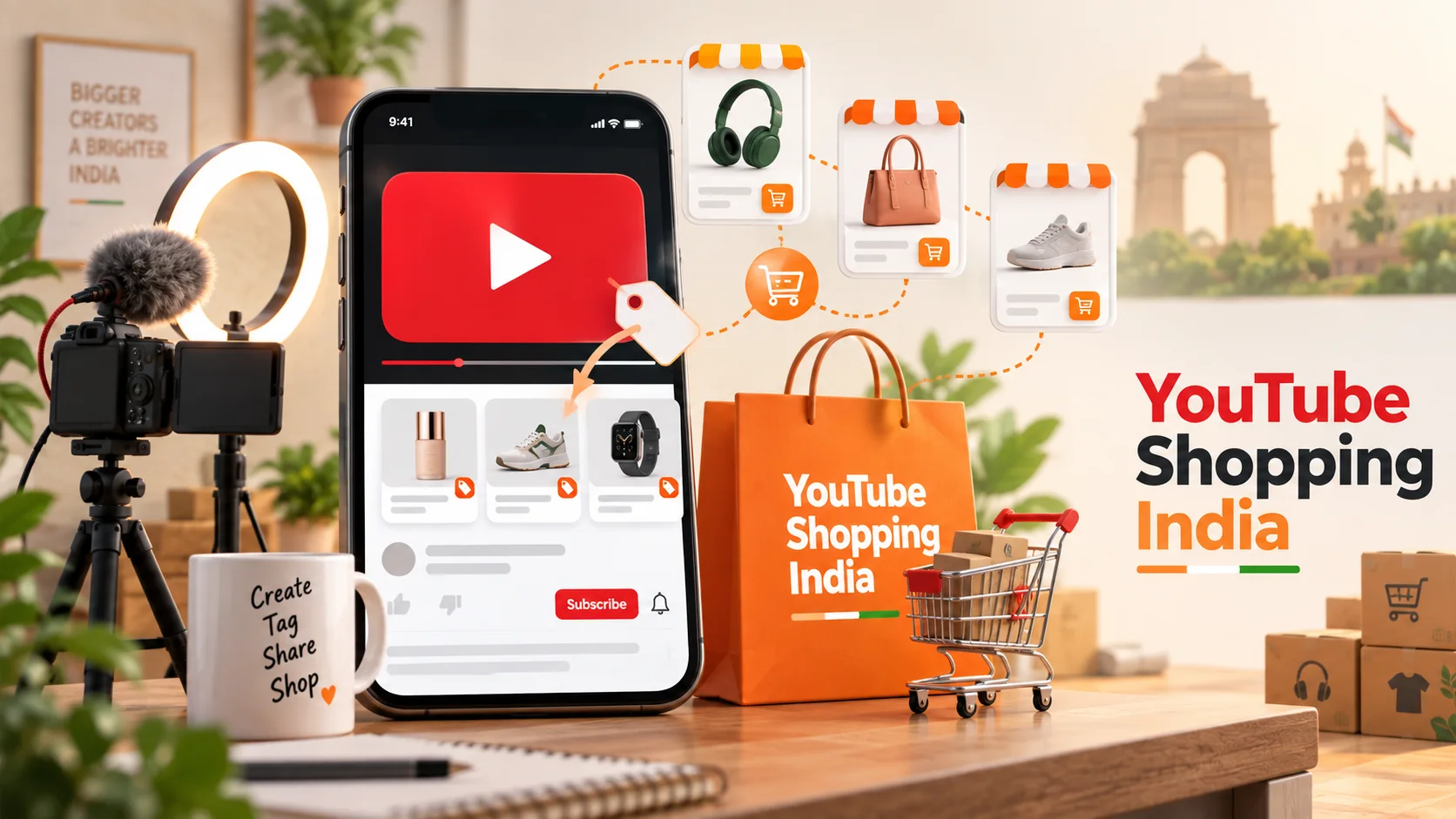
भारत में YouTube Shopping का बड़ा विस्तार: Amazon, AJIO और Meesho जुड़ने से क्या बदलेगा?
YouTube Shopping Affiliate Programme भारत में Amazon, AJIO, Meesho, Snapdeal और Tata CLiQ जैसे नए retail partners के साथ बढ़ रहा है। आसान भाषा में समझिए कि creators, brands और खरीदारों के लिए इसका क्या अर्थ है।
16 · Read blog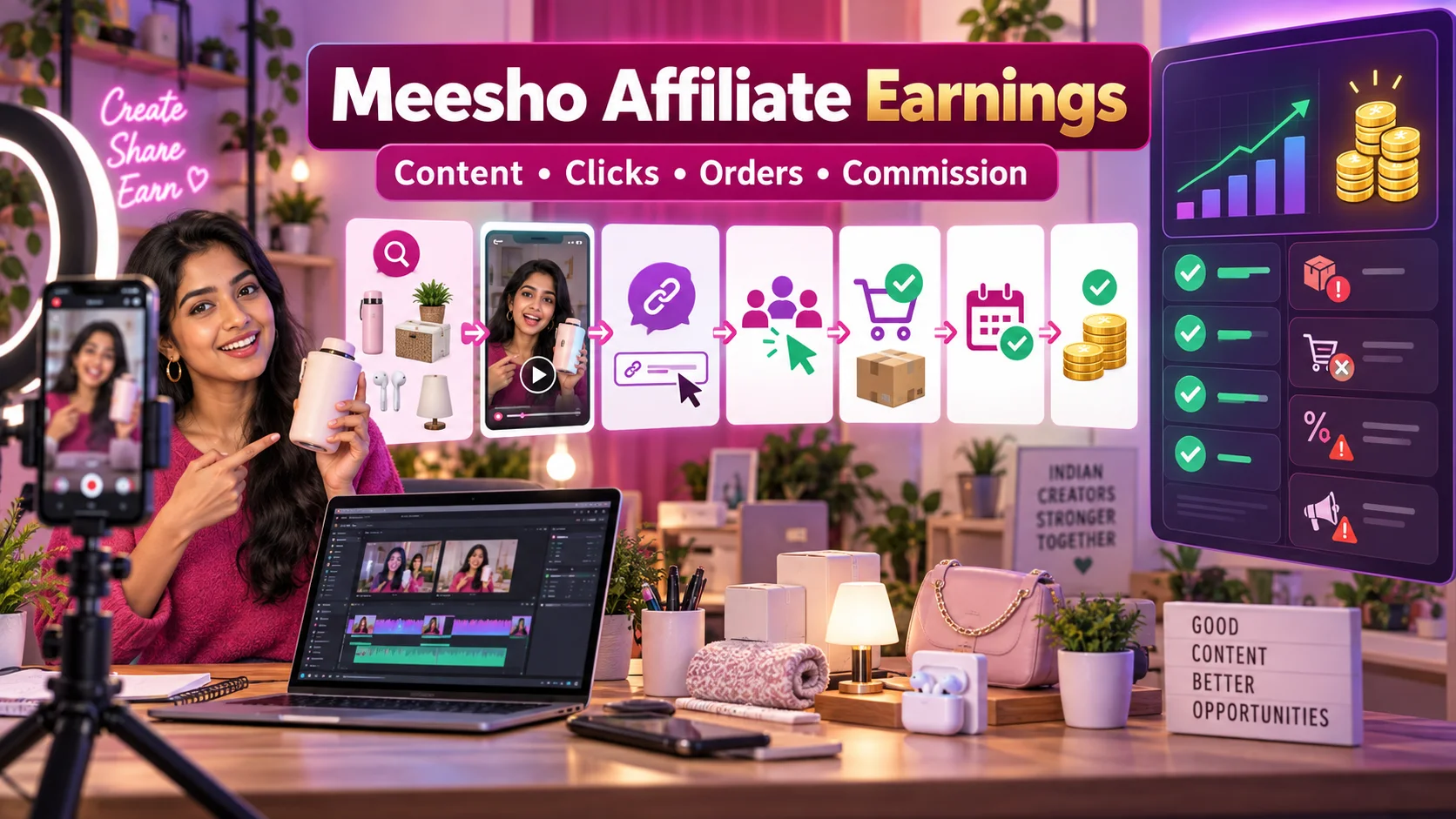
Meesho Affiliate Marketing से कमाई कैसे होती है? Influencers के लिए Complete Guide
Meesho products पर affiliate content बनाकर earnings कैसे calculate और track करें? Influencers के लिए content funnel, commission validation, returns, disclosure, payout और fraud safety की practical Hindi guide।
11 · Read blog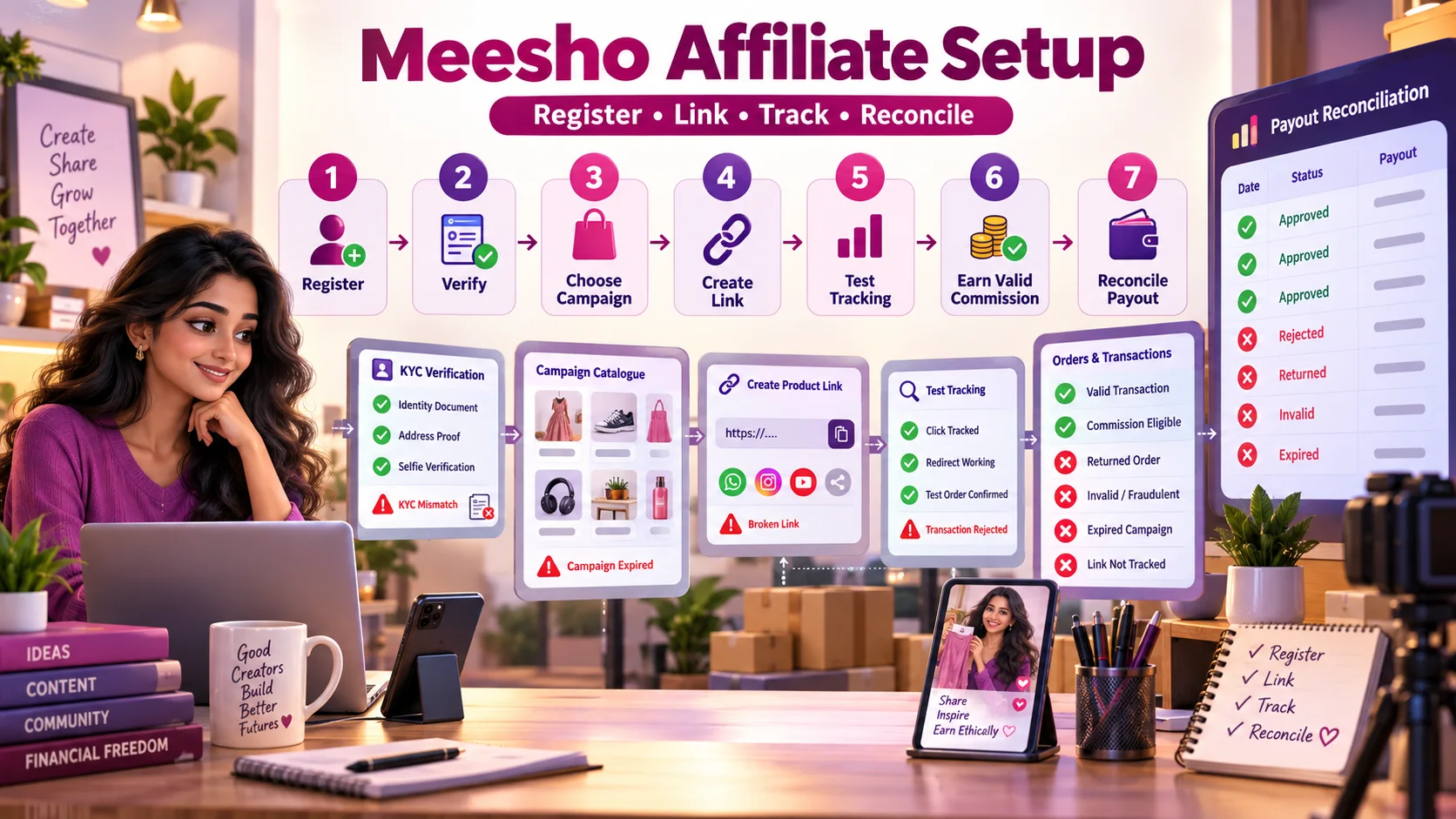
Meesho Affiliate Registration से Payout तक: Complete Step-by-Step Guide
Meesho affiliate registration, KYC, campaign selection, product-link creation, tracking test, rejected transactions और payout reconciliation का practical Hindi workflow।
4 · Read blog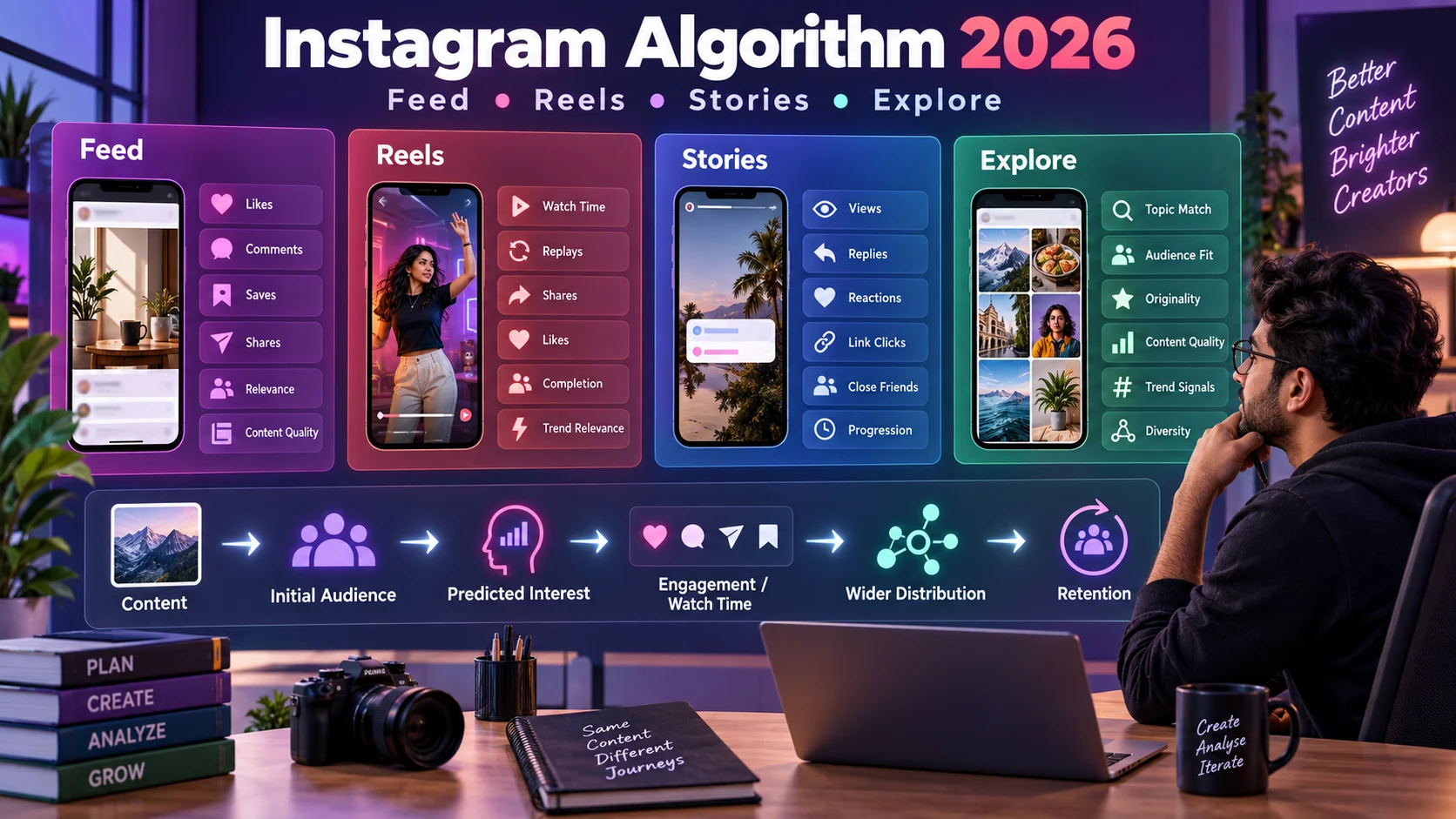
Instagram Algorithm 2026 कैसे काम करता है? Feed, Reels, Stories और Explore की Complete Guide
Instagram Feed, Reels, Stories और Explore की ranking को समझने, reach diagnose करने और data-driven content strategy बनाने की detailed Hindi guide।
4 · Read blog
Comments 0
No comments yet. Be the first to share a useful thought.
Leave a comment
Your email address will not be published. Comments are reviewed before appearing. Web addresses are displayed as plain text and are never clickable.