
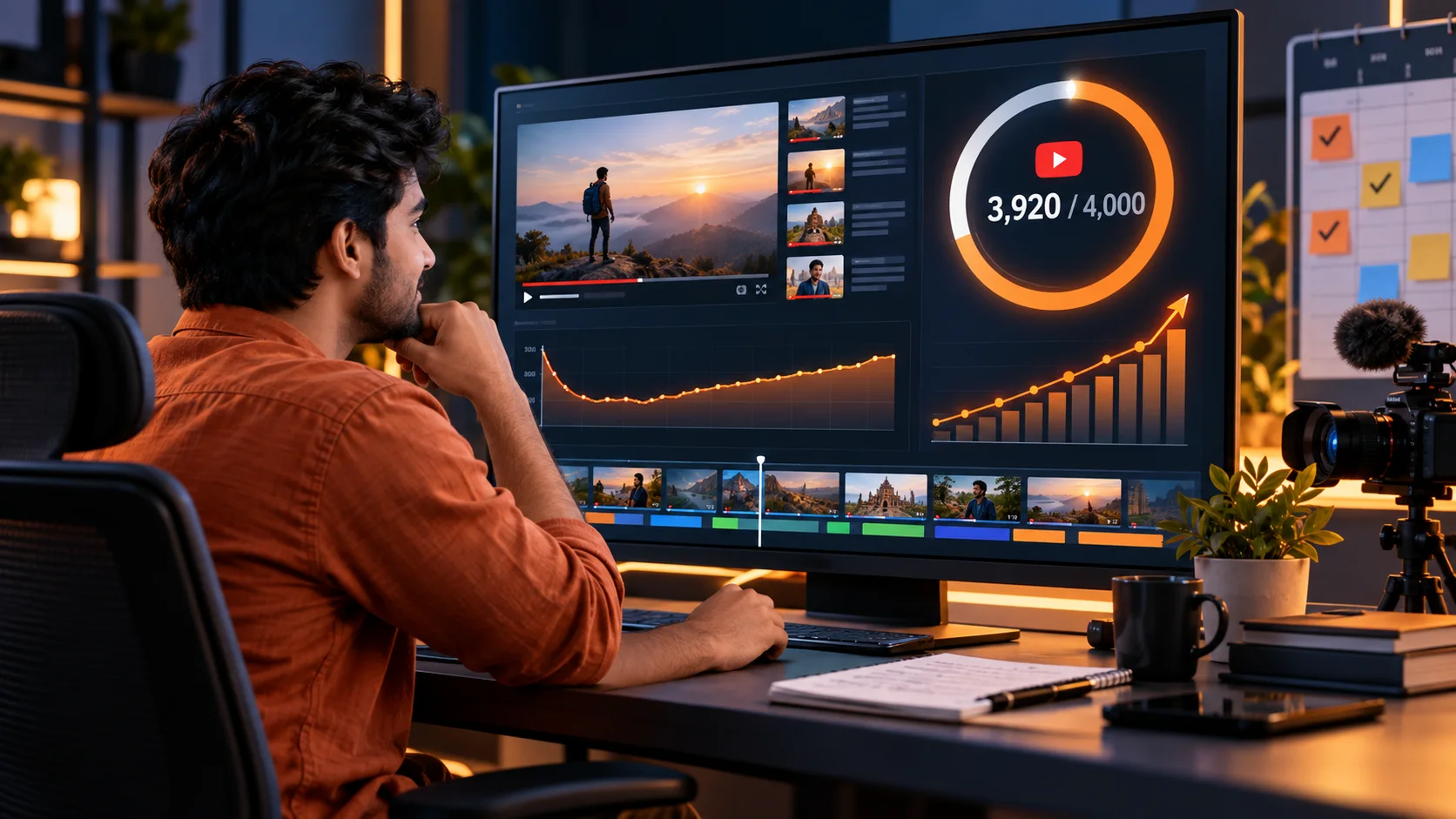
YouTube पर 4,000 Hours Watch Time कैसे पूरा करें? Practical Guide 2026
YouTube के 4,000 qualified public watch hours पूरे करने के लिए eligibility rules, watch-time calculation, retention strategy, playlists, livestreams और 90-day action plan की practical Hindi guide।
Scheduled update for 1 February 2027: YouTube has announced that new applicants for full Ads and Premium monetisation will need 1,000 subscribers with 8,000 qualified public watch hours in 365 days or 20 million qualified Shorts views in 90 days. The current 4,000-hour or 10-million-view thresholds remain in effect until 31 January 2027. Read the complete 2027 eligibility update.
YouTube पर 4,000 hours watch time पूरा करने का कोई secret shortcut नहीं है। यह लक्ष्य तब achievable बनता है जब channel ऐसे public long-form videos बनाता है जिन्हें सही audience खोजती है, click करती है और पर्याप्त समय तक देखती है। केवल video लंबा कर देना, views खरीदना या Shorts के views जोड़ना सही strategy नहीं है।

इस guide में current eligibility rules, watch-time maths, content planning, audience retention, playlists, public livestreams, analytics और 90-day execution plan को सरल Hindi में समझाया गया है। Platform rules बदल सकते हैं, इसलिए application से पहले YouTube Studio के Earn tab और official Help pages में अपने channel की current eligibility जरूर verify करें।
Quick answer: 4,000 watch hours कैसे पूरे होंगे?
4,000 eligible hours का मतलब पिछले 12 महीनों में लगभग 240,000 minutes qualified public watch time है। इसे पाने के लिए तीन चीजें एक साथ सुधारनी होंगी:
- Qualified views: सही topic और packaging से interested audience लाएं।
- Average view duration: शुरुआत, structure और delivery बेहतर करके viewers को रोके रखें।
- Connected library: playlists, end screens और related videos से एक view को दूसरे view में बदलें।
एक viral video पर निर्भर रहने के बजाय 15–30 useful videos की connected library अधिक reliable होती है। एक अच्छा video महीनों तक search, suggested और browse traffic ला सकता है।
YouTube Partner Program के current eligibility paths
Full advertising revenue sharing के लिए सामान्य long-form path में channel को 1,000 subscribers और पिछले 12 महीनों में 4,000 valid public watch hours चाहिए। Alternative Shorts path में 1,000 subscribers और पिछले 90 दिनों में 10 million valid public Shorts views हो सकते हैं। इसके अलावा channel को monetisation policies, eligible country or region, account security और review requirements भी पूरा करना होता है।
कुछ eligible regions में earlier-access YPP tier भी उपलब्ध हो सकता है। उसमें 500 subscribers, पिछले 90 दिनों में तीन valid public uploads और या तो 3,000 public long-form watch hours या 3 million public Shorts views की शर्त हो सकती है। यह tier fan-funding और selected Shopping features के लिए हो सकता है; full ad-revenue threshold से इसे confuse न करें।
| Path | Subscriber requirement | Performance requirement | Typical access |
|---|---|---|---|
| Earlier-access YPP | 500 | 3 public uploads in 90 days plus 3,000 public hours in 12 months, or 3 million Shorts views in 90 days | Eligible fan-funding and selected Shopping features |
| Full long-form path | 1,000 | 4,000 valid public watch hours in 12 months | Advertising revenue sharing and other eligible features |
| Full Shorts path | 1,000 | 10 million valid public Shorts views in 90 days | Shorts advertising revenue sharing and other eligible features |
कौन-सा watch time 4,000 hours में count होता है?
| Watch-time source | 4,000-hour threshold में? | Important note |
|---|---|---|
| Public long-form videos | Yes | Valid public viewing hours rolling 12-month window में count हो सकते हैं। |
| Public livestream converted to VOD | Generally yes | Stream public रहे और बाद में valid public video के रूप में उपलब्ध हो। |
| Shorts Feed | No | Shorts के लिए अलग views-based eligibility path है। |
| Private videos | No | Public eligibility hours में शामिल नहीं होते। |
| Unlisted videos | No | Public-watch-hour threshold में नहीं जुड़ते। |
| Deleted videos | No | Deleted content का watch time eligible total में नहीं रहता। |
| Paid ad campaigns | No | Advertising campaign से मिले watch hours threshold के लिए valid नहीं होते। |
Shorts discovery के लिए useful हो सकते हैं, लेकिन Shorts Feed में बना watch time 4,000 long-form hours में नहीं जुड़ता। Shorts का उपयोग related full video की ओर genuine interest भेजने के लिए करें, forced redirect के लिए नहीं।
4,000 hours का आसान calculation
Watch hours = Total views × Average view duration in minutes ÷ 60
अगर channel की average view duration 6 minutes है, तो लगभग 40,000 qualified views से 4,000 hours बन सकते हैं। हर channel में audience behaviour अलग होगा, इसलिए इसे guarantee नहीं बल्कि planning estimate समझें।
| Average view duration | Approximate views for 4,000 hours | Example library target |
|---|---|---|
| 4 minutes | 60,000 | 20 videos × 3,000 views |
| 6 minutes | 40,000 | 20 videos × 2,000 views |
| 8 minutes | 30,000 | 15 videos × 2,000 views |
| 10 minutes | 24,000 | 12 videos × 2,000 views |
Formula बताता है कि views और retention दोनों महत्वपूर्ण हैं। 100,000 low-intent clicks जिनकी average duration कुछ seconds है, उनसे बेहतर 30,000 relevant views हो सकते हैं जो video का meaningful हिस्सा देखते हैं।
Step 1: अपने existing channel का audit करें
YouTube Studio में last 90 days और 365 days के data को अलग-अलग देखें। हर video के लिए impressions, click-through rate, average view duration, average percentage viewed, audience-retention curve, traffic sources और watch hours note करें। फिर videos को चार groups में रखें:
- High click, high retention: इसी topic cluster में sequels और deeper videos बनाएं।
- High click, low retention: title/thumbnail strong है, लेकिन opening या content promise weak हो सकता है।
- Low click, high retention: content useful है; title और thumbnail को clearer बनाकर test करें।
- Low click, low retention: topic, audience fit और execution को दोबारा evaluate करें।
Channel-wide averages के पीछे useful patterns छिप सकते हैं। Search videos और browse-led videos का behaviour अलग हो सकता है, इसलिए similar formats को आपस में compare करें।
Step 2: एक clear audience और topic promise चुनें
Random topics वाला channel subscriber और recommendation systems दोनों के लिए समझना कठिन हो सकता है। एक sentence में लिखें: हम किस audience की कौन-सी repeated problem solve करते हैं?
उदाहरण के लिए “small Indian sellers के लिए practical marketplace tutorials” एक clear promise है। इसके आसपास content clusters बन सकते हैं:
- Account setup और beginner guides
- Product listing और catalogue optimisation
- Orders, shipping, returns और customer service
- Advertising और organic growth
- Fees, margins और business analysis
हर cluster में beginner, comparison, mistakes, case-study और advanced workflow videos बनाएं। इससे viewer को अगला relevant video naturally मिलता है।
Step 3: topics को search demand और viewer intent से validate करें
Topic selection के लिए केवल high-volume keyword जरूरी नहीं है। Comments, community questions, search suggestions, support queries और existing video analytics देखें। ऐसा topic चुनें जिसमें viewer को clear outcome चाहिए और आप original demonstration, experience, data या explanation दे सकते हों।
हर video से पहले चार questions लिखें:
- Viewer किस exact problem के साथ आएगा?
- Video के अंत तक उसे कौन-सा result या understanding मिलेगी?
- कौन-सा proof, demo या example content को credible बनाएगा?
- इसके बाद viewer के लिए कौन-सा related video सबसे useful होगा?
Step 4: title और thumbnail से सही promise करें
Click-through rate बढ़ाने के लिए misleading clickbait की जरूरत नहीं है। Title outcome बताए और thumbnail उस outcome को visually reinforce करे। दोनों में same words repeat करने के बजाय complementary information दें।
- एक clear idea; बहुत सारे छोटे elements नहीं
- Mobile screen पर readable visual hierarchy
- Accurate result, number या contrast
- Content में जो नहीं है, thumbnail में उसका promise नहीं
- Title में unnecessary keyword stuffing नहीं
High CTR लेकिन sharp early drop यह signal दे सकता है कि packaging ने गलत expectation बनाई। इसलिए CTR को retention और satisfaction के साथ पढ़ें।
Step 5: पहले 30–60 seconds को मजबूत बनाएं
लंबा logo animation, repeated greeting और topic से unrelated story शुरुआती viewers खो सकती है। Opening में viewer को तुरंत तीन answers दें: यह video किसके लिए है, क्या मिलेगा और क्यों देखना चाहिए।
- Problem: viewer की situation को one or two lines में identify करें।
- Outcome: video के end तक मिलने वाला practical result बताएं।
- Roadmap: process या sections का compact preview दें।
- Proof: relevant demo, result, screen or example दिखाएं—unsupported claim नहीं।
Intro छोटा रखने का मतलब context हटाना नहीं है। Context तभी रखें जब वह viewer को decision लेने या आगे का content समझने में मदद करे।
Step 6: retention-friendly video structure बनाएं
वीडियो को केवल लंबा बनाने से watch time नहीं बढ़ता। अगर 20-minute video का आधा हिस्सा repetition है तो viewer जल्दी छोड़ सकता है। हर section को अगले useful question की ओर ले जाएं।
- शुरुआत में clear promise
- Chapters या logical sections
- Regular visual changes: demo, screen, diagram, close-up or example
- Unnecessary pauses और repeated sentences edit करें
- Important points पर pattern interrupt, लेकिन distracting effects नहीं
- End से पहले next-step video का contextual bridge
Retention graph में sudden dip आए तो उस timestamp पर देखें: क्या intro लंबा था, sponsor segment abrupt था, answer पहले ही मिल गया, audio खराब था या title promise अलग था? Spike useful replay, important visual या unclear section—दोनों का संकेत हो सकता है। Context देखकर decision लें।
Step 7: playlists और internal viewing journey बनाएं
Playlist केवल videos का folder नहीं है। उसे एक learning sequence की तरह arrange करें। पहले foundation, फिर implementation, फिर troubleshooting और advanced topic रखें। Playlist title और description viewer outcome पर आधारित हों।
हर video के end पर generic “subscribe” बोलने के बजाय next relevant video recommend करें और कारण बताएं। End screen, card, description और pinned comment में उसी next step को रखें। एक साथ पांच अलग CTAs देने से decision कमजोर हो सकता है।
Creator commerce और platform-based earning समझने के लिए creator commerce guide और production workflow के लिए Android video editing apps guide भी उपयोगी हैं।
Step 8: public livestreams का सही उपयोग करें
Useful live Q&A, workshop, product demo या tutorial watch time बना सकता है, बशर्ते stream public हो और बाद में valid public VOD के रूप में available रहे। Livestream को केवल घंटे बढ़ाने के लिए बिना value के लंबा न खींचें।
- एक specific topic और agenda पहले publish करें।
- Questions पहले collect करें, लेकिन live audience को भी शामिल करें।
- Audio और internet stability test करें।
- Replay के लिए timestamps, description और thumbnail update करें।
- Long dead-air sections को policy and platform tools के अनुसार clean करें।
Unlisted, deleted या VOD में convert न हुई livestream का watch time eligibility में count नहीं हो सकता। Live settings को publish से पहले और stream के बाद verify करें।
Step 9: Shorts को discovery bridge बनाएं
Shorts Feed watch time 4,000-hour total में नहीं जुड़ता, लेकिन Shorts नए viewers को channel के long-form topics से introduce कर सकते हैं। Full video का random clip डालने के बजाय Short को standalone useful बनाएं और naturally deeper video की ओर ले जाएं।
Example: long video “Beginner camera setup” है तो Short “Three audio mistakes that ruin phone videos” हो सकता है। Short immediate value देता है और related full guide का reason भी बनाता है।
Analytics में किन metrics पर ध्यान दें?
| Metric | क्या बताता है? | Action |
|---|---|---|
| Impressions | Thumbnail eligible surfaces पर कितनी बार दिखा | Topic reach और distribution context देखें |
| Impressions CTR | Packaging ने कितने viewers को click कराया | Title-thumbnail clarity test करें; अकेले judge न करें |
| Average view duration | Average viewer ने कितने minutes देखे | Watch-time planning और weak timestamps identify करें |
| Average percentage viewed | Video length का average proportion | Different-length videos compare करने में मदद |
| Audience retention | कहां viewers रुके, गए या replay किया | Opening, pacing और sections improve करें |
| Returning viewers | कितने लोग दोबारा content देखने आए | Series, consistency और audience relationship evaluate करें |
| Traffic source | Search, browse, suggested, external या other source | हर source के लिए appropriate content strategy बनाएं |
| End-screen click rate | Next-video journey कितनी effective है | Recommendation relevance और timing improve करें |
90-day watch-time action plan
Days 1–14: foundation
- 365-day analytics export करें और top 20 videos audit करें।
- एक primary audience और three topic clusters चुनें।
- 12 long-form topics का backlog बनाएं।
- Thumbnail style, recording checklist और editing template तैयार करें।
Days 15–45: consistent publishing
- Capacity के अनुसार one or two strong long-form videos per week publish करें।
- हर video के पहले 30 seconds और next-video CTA को consciously script करें।
- Related videos को outcome-based playlists में connect करें।
- Relevant Shorts और community posts से genuine discovery support करें।
Days 46–70: retention improvement
- हर upload के 7-day performance को similar videos से compare करें।
- Low-click, high-retention videos की packaging improve करें।
- High-click, low-retention videos के intro और promise mismatch को fix करें।
- Winning topic पर sequel, update या deeper tutorial बनाएं।
Days 71–90: library compounding
- Descriptions, cards, end screens और playlists से related library connect करें।
- एक useful public livestream or workshop test करें।
- Top search queries से FAQ-style videos plan करें।
- Next 90 days के लिए repeatable formats और realistic schedule तय करें।
Weekly watch-time dashboard
| Measure | This week | Four-week trend | Decision |
|---|---|---|---|
| Public watch hours | Actual total | Up, flat or down | Publishing and library contribution |
| Average view duration | By format | Retention direction | Structure or pacing change |
| Watch hours per video | New upload | Similar-video benchmark | Topic and packaging assessment |
| Returning viewers | Weekly count | Audience loyalty trend | Series and schedule decision |
| Next-video clicks | End-screen data | Journey improvement | Recommendation relevance |
Daily fluctuations पर overreact न करें। New channel में small numbers से percentages बहुत बदलते हैं। Weekly और 28-day patterns देखें, फिर controlled improvement करें।
ये shortcuts avoid करें
- Views या watch hours खरीदना: invalid traffic, policy action और misleading analytics का risk है।
- अपना video loop में चलाना: artificial engagement valid growth strategy नहीं है।
- Ad campaigns से threshold पूरा करना: paid-campaign watch hours eligible total में count नहीं होते।
- Copied or minimally changed content: copyright के अलावा reused or inauthentic content monetisation review में problem बन सकता है।
- Unrelated trending topics: temporary views मिल सकते हैं, लेकिन returning audience और channel clarity कमजोर होती है।
- हर video को unnecessarily लंबा करना: padding retention और viewer trust दोनों घटा सकता है।
- पुराने videos delete करना: eligible watch time खो सकता है; delete करने से पहले policy, brand और data impact समझें।
YPP के लिए apply कैसे करें?
YouTube Studio में Earn section eligibility progress दिखाता है। Threshold और other requirements पूरे होने पर application steps follow करें, base terms accept करें और eligible AdSense for YouTube account connect करें। Channel automatic approval नहीं पाता; policies के अनुसार review होता है।
Threshold पूरा होने से पहले channel को साफ रखें: original value, accurate metadata, necessary rights, consistent public identity और clear audience purpose। Monetisation केवल numbers नहीं, channel-wide compliance review भी है।
Final strategy
4,000 watch hours का sustainable रास्ता यह है: एक clear audience चुनें, related problems पर useful long-form library बनाएं, honest title-thumbnail से qualified clicks लाएं, पहले minute और overall pacing सुधारें, फिर viewers को अगला relevant video दें। हर week data पढ़ें और उसी के आधार पर next topic तथा content change तय करें।
सबसे अच्छा starting point एक छोटा commitment है: अगले 90 days के लिए 12 genuinely useful long-form videos, three connected playlists और weekly analytics review। Consistency का मतलब daily upload नहीं; ऐसा schedule है जिसे quality खोए बिना निभाया जा सके।
Sources and verification
- YouTube Partner Program overview and eligibility — qualified public watch hours, excluded watch-time sources, subscriber thresholds and application requirements verified from official YouTube Help.
- How to earn money on YouTube — current full and earlier-access monetisation paths verified from official YouTube Help.
- YouTube Shorts monetisation policies — Shorts monetisation and the separate Shorts revenue model checked from official YouTube Help.
Eligibility, feature availability and policies can change by date, country and channel. Readers should confirm the current requirements in YouTube Studio and official YouTube Help before applying.
Official scheduled YPP changes for 1 February 2027 were added on 1 October 2026.
Found an error? Review our Corrections Policy or contact the editorial team.
Article at a glance
| Written by | Ishaan Malhotra |
|---|---|
| Published | 30 Sep 2026, 11:56 PM IST |
| Reading time | 14 minutes |
| Topic | Ecommerce research and practical guidance |
Frequently Asked Questions
YouTube पर 4,000 watch hours कितने दिनों में पूरे करने होते हैं?
Full long-form YPP path के लिए 4,000 valid public watch hours rolling 12-month period में पूरे होने चाहिए। Exact progress YouTube Studio के Earn tab में देखें।
क्या Shorts का watch time 4,000 hours में count होता है?
Shorts Feed से मिला watch time 4,000 public long-form hours में count नहीं होता। Shorts के लिए अलग views-based eligibility path है।
क्या livestream का watch time count होता है?
Public livestream का valid watch time count हो सकता है जब stream public हो और बाद में public VOD के रूप में available रहे। Unlisted, deleted या VOD में convert न हुई streams excluded हो सकती हैं।
क्या paid promotion से मिले watch hours count होते हैं?
नहीं। Ad campaigns के जरिए मिले watch hours YPP के 4,000-hour threshold में count नहीं होते।
4,000 hours कितने minutes होते हैं?
4,000 hours कुल 240,000 minutes होते हैं। Required views आपकी average view duration पर depend करते हैं।
अगर average view duration 6 minutes है तो कितने views चाहिए?
Planning estimate के अनुसार लगभग 40,000 qualified views से 240,000 minutes बन सकते हैं। Actual result valid viewing और audience behaviour पर depend करेगा।
क्या पुराने videos delete करने से watch time घट सकता है?
हां। Deleted videos का watch time eligible total में count नहीं होता, इसलिए delete करने से पहले policy, brand और watch-time impact evaluate करें।
क्या 4,000 hours पूरे होते ही monetisation automatic मिल जाता है?
नहीं। Threshold application eligibility देता है; channel को other requirements और policy review भी pass करना होता है।
Watch time बढ़ाने के लिए video कितना लंबा होना चाहिए?
कोई ideal universal length नहीं है। Video उतना लंबा रखें जितने में promise clearly और बिना filler के पूरा हो। Average view duration और viewer satisfaction साथ देखें।
YouTube watch time बढ़ाने का सबसे safe तरीका क्या है?
एक clear audience के लिए original long-form videos बनाएं, honest title-thumbnail use करें, retention improve करें और playlists तथा end screens से related videos connect करें। Artificial traffic से बचें।

Ishaan Malhotra
Social Media and Creator Economy WriterIshaan covers social platforms, creator tools, audience growth and practical content strategy for Indian creators and small businesses.
View author profileRead More Blogs
भारत में YouTube Shopping का बड़ा विस्तार: Amazon, AJIO और Meesho जुड़ने से क्या बदलेगा?
YouTube Shopping Affiliate Programme भारत में Amazon, AJIO, Meesho, Snapdeal और Tata CLiQ जैसे नए retail partners के साथ बढ़ रहा है। आसान भाषा में समझिए कि creators, brands और खरीदारों के लिए इसका क्या अर्थ है।
34 · Read blog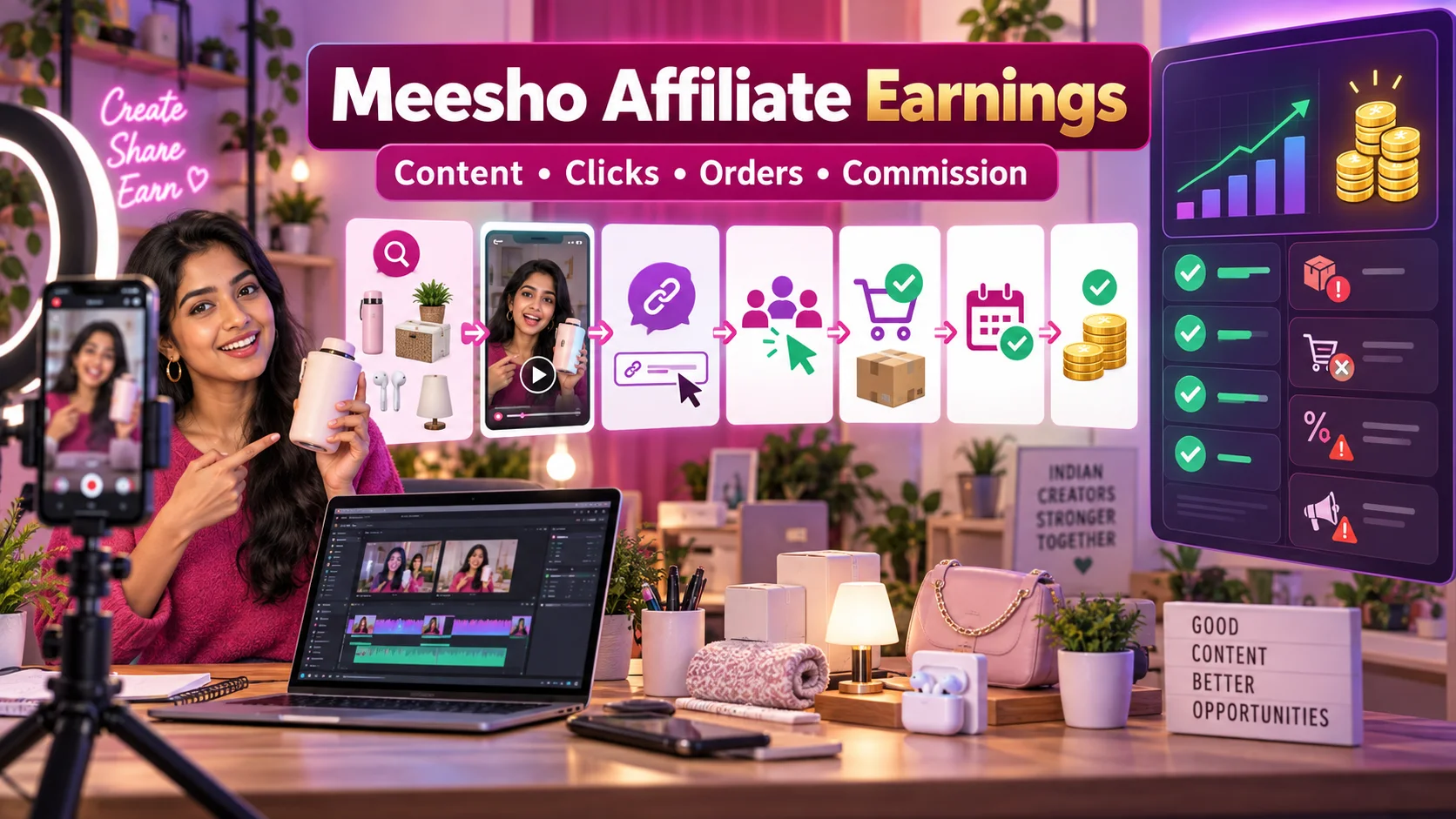
Meesho Affiliate Marketing से कमाई कैसे होती है? Influencers के लिए Complete Guide
Meesho products पर affiliate content बनाकर earnings कैसे calculate और track करें? Influencers के लिए content funnel, commission validation, returns, disclosure, payout और fraud safety की practical Hindi guide।
26 · Read blog
Instagram से पैसे कैसे कमाएं? India के लिए Complete 2026 Guide
India में Instagram audience को brand deals, affiliate, UGC, services, digital products और own-store sales से monetise करने की practical Hindi guide।
22 · Read blog
Graphic Design Clients कैसे पाएं? Portfolio, Outreach और 30-Day Plan 2026
Freelance graphic design clients पाने के लिए niche, portfolio, pricing, referrals, social media, cold outreach, sales pipeline और 30-day action plan की detailed Hindi guide।
9 · Read blog
Comments 0
No comments yet. Be the first to share a useful thought.
Leave a comment
Your email address will not be published. Comments are reviewed before appearing. Web addresses are displayed as plain text and are never clickable.