
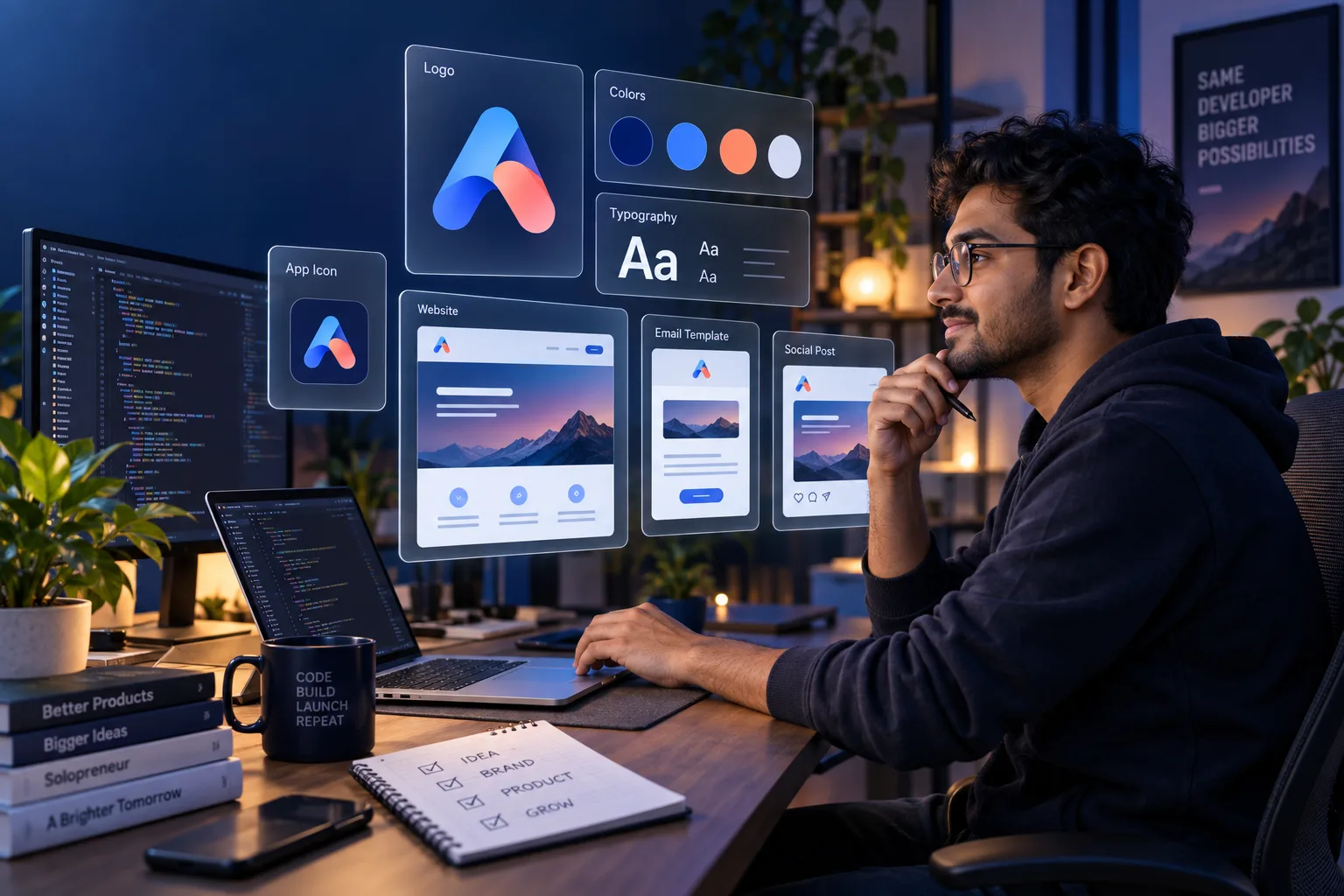
Designer के बिना Developer अपना Brand कैसे बनाए? Complete Practical Guide 2026
Solo developers और technical founders के लिए positioning, brand voice, logo, colors, typography, design tokens, landing page और 48-hour launch plan की detailed Hindi guide।
एक developer reliable product बना सकता है, लेकिन user सबसे पहले architecture नहीं देखता। वह product name, landing page, typography, color, onboarding और communication से credibility judge करता है। अगर website, app और emails तीन अलग products जैसे दिखें तो technically strong product भी unfinished महसूस हो सकता है।
अच्छी खबर यह है कि early-stage brand बनाने के लिए full design team जरूरी नहीं है। आपको logo के दर्जनों options नहीं, बल्कि एक छोटा और repeatable system चाहिए: clear positioning, consistent voice, simple identity, accessible colors, readable typography और reusable UI tokens। यह guide उसी system को step by step बनाने में मदद करेगी।
Brand केवल Logo नहीं है
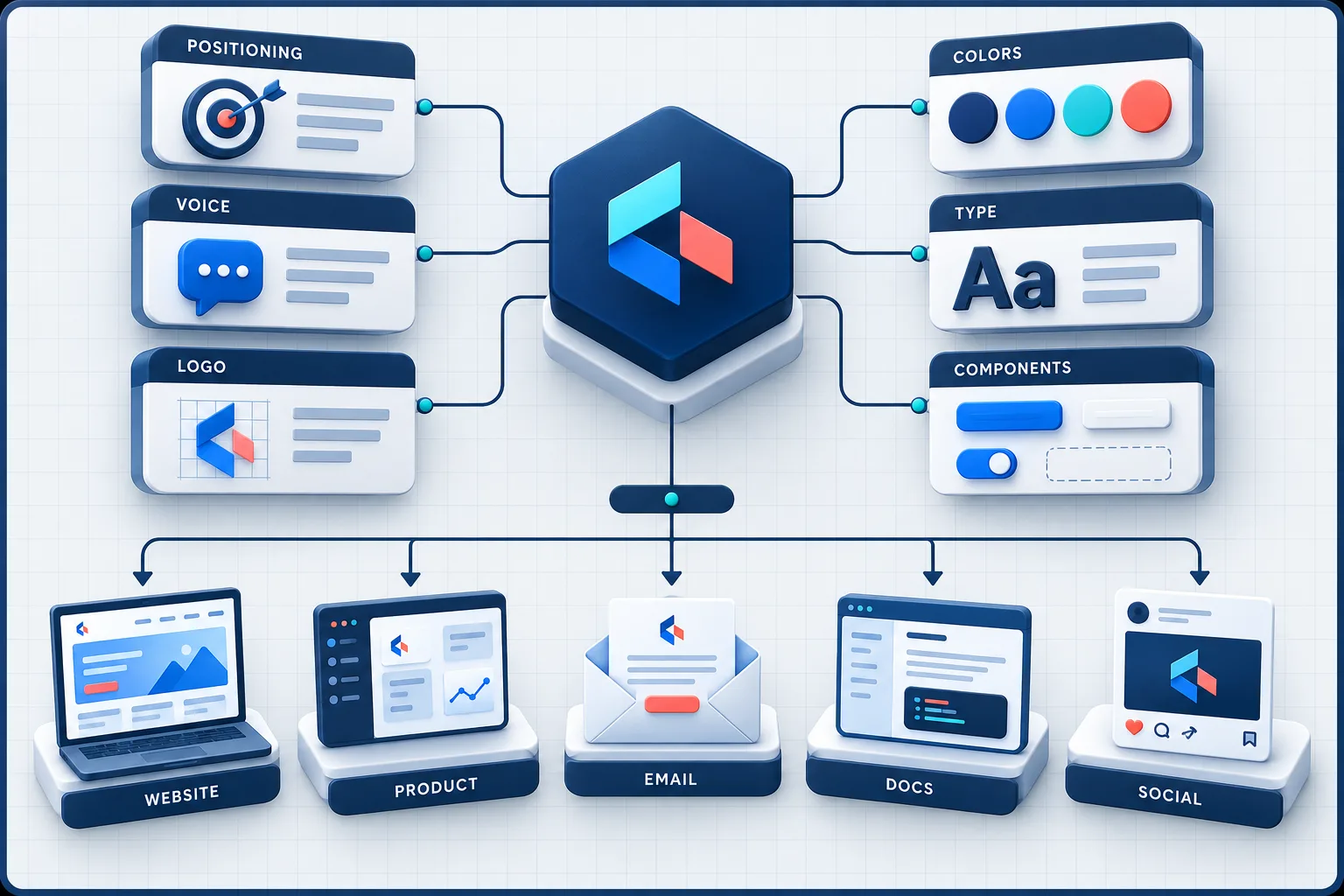
Logo पहचान का एक हिस्सा है। Brand user के mind में आपकी product promise और उसके अनुभव का مجموعित impression है। इसमें name, message, interface, support reply, documentation और reliability सभी शामिल हैं।
| Brand layer | Question | Deliverable |
|---|---|---|
| Positioning | किसके लिए और कौन-सी problem? | One-sentence positioning |
| Promise | User को measurable value क्या मिलेगी? | Primary benefit statement |
| Voice | Brand कैसे बोलता है? | Voice rules and examples |
| Identity | Brand कैसे पहचाना जाएगा? | Name, logo and icon |
| Visual system | हर screen consistent कैसे रहेगी? | Colors, type, spacing and components |
| Experience | Promise product में कैसे prove होगी? | UI, docs, support and reliability |
अगर positioning unclear है तो polished logo भी weak message को नहीं बचा सकता। इसलिए visual assets से पहले audience और promise तय करें।
Step 1: One-Sentence Positioning लिखें
इस template से शुरुआत करें:
[Product] helps [specific audience] achieve [valuable outcome] without [main frustration or alternative].
उदाहरण: “DeployPilot helps small SaaS teams review production deployments without maintaining a separate release dashboard.” यह sentence homepage headline की exact copy होना जरूरी नहीं, लेकिन हर brand decision का filter बन सकता है।
Positioning Test
- क्या audience specific है?
- क्या outcome feature से अधिक important है?
- क्या alternative या pain स्पष्ट है?
- क्या sentence competitor के लिए भी equally true नहीं है?
- क्या target user इसे दस seconds में समझ सकता है?
Step 2: Brand Principles तय करें
तीन adjectives चुनें जो product experience guide करेंगे। “Modern, innovative, powerful” जैसे generic words उपयोगी नहीं होते। Behaviour-focused words चुनें:
- Calm: unnecessary alerts, shouting copy और visual noise नहीं.
- Direct: clear labels, short explanations and honest limitations.
- Dependable: predictable actions, visible status and useful error recovery.
हर adjective के साथ “we do” और “we do not” लिखें। इससे designer के बिना भी team consistent decisions ले सकती है।
Step 3: Brand Voice बनाएं
Brand voice केवल marketing copy नहीं है। Button, validation error, empty state, changelog और support email भी उसी voice में होने चाहिए। एक practical voice sheet बनाएं:
| Situation | Weak copy | Better copy |
|---|---|---|
| Primary CTA | Submit | Create workspace |
| Error | Something went wrong | We could not save this API key. Check the key and try again. |
| Empty state | No data | No deployments yet. Connect a repository to create your first deployment. |
| Upgrade | Unlock power | Add unlimited collaborators with the Team plan. |
| Success | Awesome! | Domain verified. DNS changes can take a few minutes to appear. |
Voice rules simple रखें: short sentences, active voice, no fake urgency, no unverifiable superlatives और technical terms के साथ plain-language explanation।
Step 4: Product Name और Domain Screen करें
Name ऐसा होना चाहिए जिसे user सुनकर type कर सके। Final करने से पहले:
- Search engines और app stores में similar products देखें।
- Domain and social handles check करें।
- Target market में trademark conflict की basic search करें।
- Different accents में pronunciation test करें।
- Lowercase, uppercase और URL form देखें।
- Unwanted meaning या spelling ambiguity check करें।
Domain available होना legal clearance नहीं है। Important commercial launch के लिए appropriate trademark professional से advice लें।
Step 5: Simple Logo System बनाएं
Early-stage product को complex illustration नहीं चाहिए। एक readable wordmark plus simple mark पर्याप्त हो सकता है। Logo system में कम से कम ये versions रखें:
- Horizontal logo
- Compact mark or app icon
- Dark-background version
- Light-background version
- Single-color version
- SVG master and PNG exports
Logo Stress Test
- 16px favicon पर पहचान में आता है?
- Black and white में काम करता है?
- Square app icon में fit होता है?
- Busy background के बिना clear है?
- किसी well-known logo से confusingly similar तो नहीं?
AI-generated symbol को directly use करने से पहले originality और licensing check करें। Stock icon को बिना meaningful customization logo बनाना uniqueness और ownership दोनों में risk पैदा कर सकता है।
Step 6: Accessible Color Palette चुनें
एक practical startup palette में दर्जनों colors की जरूरत नहीं होती:
- 1 primary brand color
- 1 accent color
- Neutral scale for text, borders and surfaces
- Semantic success, warning, danger and information colors
WCAG guidance के अनुसार normal text के लिए कम से कम 4.5:1 contrast और large text के लिए 3:1 contrast target करें। Logo पर वही text contrast rule लागू नहीं होती, लेकिन interface copy, buttons और form labels readable होने चाहिए। केवल color के आधार पर error or status न दिखाएं; icon और text भी दें।
Color Decision Rule
पहले light background पर readable text and action color चुनें। उसके बाद dark mode और decorative gradients बनाएं। केवल आकर्षक palette screenshot देखकर colors न चुनें; real buttons, links, disabled states और charts में test करें।
Step 7: Typography System बनाएं
एक या दो font families पर्याप्त हैं। Fast website के लिए open web font या system font stack practical हो सकता है। License, available weights, Devanagari support और loading performance check करें। Hindi और English दोनों content होने पर font family में दोनों scripts का balanced rendering देखें।
| Role | Recommended setup |
|---|---|
| Display heading | Distinct but readable, limited use |
| Body text | High legibility at 16px or above |
| UI labels | Clear medium weight, compact line height |
| Code | Monospace only where code or IDs are shown |
Start with a simple type scale such as 14, 16, 20, 24, 32 and 48 pixels. हर screen पर random font sizes बनाने के बजाय tokens use करें।
Step 8: Brand को Design Tokens में बदलें
Brand decision को document में छोड़ने के बजाय code में encode करें। CSS custom properties से शुरुआत की जा सकती है:
:root {
  --brand-600: #3157d5;
  --brand-700: #2746ad;
  --accent-500: #ee765c;
  --text-strong: #172033;
  --text-muted: #5c667a;
  --surface: #ffffff;
  --surface-soft: #f5f7fb;
  --border: #dfe4ee;
  --success: #18794e;
  --danger: #c63434;
  --radius-sm: 8px;
  --radius-md: 14px;
  --space-1: 4px;
  --space-2: 8px;
  --space-3: 12px;
  --space-4: 16px;
  --space-6: 24px;
}
Token names purpose-based रखें। --blue की जगह --brand-primary future rebranding आसान बनाता है। Figma variables, CSS tokens और component library values synchronize करें।
Step 9: Minimum Component Library बनाएं
Consistency individual pages redesign करने से नहीं, reusable components से आती है। Launch से पहले कम से कम ये components बनाएं:
- Primary, secondary, destructive and text buttons
- Input, textarea, select, checkbox and validation state
- Card, alert, badge and tooltip
- Navigation, footer and mobile menu
- Loading, empty, error and success states
- Modal or drawer
- Table and pagination if product requires them
हर component के hover, focus, disabled और loading states तय करें। Keyboard focus को remove न करें। Branding और accessibility एक-दूसरे के opposite नहीं हैं।
Step 10: Landing Page Message लिखें
Developer-built landing pages अक्सर internal documentation जैसी लगती हैं क्योंकि वे user outcome की जगह implementation explain करती हैं। Hero section में:
- Headline: Core outcome
- Supporting line: Audience, method and key limitation
- Primary CTA: Specific next action
- Proof: Demo, screenshot, usage metric, case study or clear product preview
“Next-generation AI-powered platform” से user को value नहीं समझती। “Review every production deployment in one timeline” अधिक concrete है। Fake testimonials और invented customer logos trust बढ़ाने के बजाय policy and reputation risk बनाते हैं।
Brand Consistency Map
| Touchpoint | Must stay consistent | Common mistake |
|---|---|---|
| Marketing website | Promise, logo, palette and CTA language | Template copy unchanged छोड़ना |
| Product UI | Tokens, components and voice | Default framework styles mix करना |
| Transactional email | Logo, sender, colors and plain-language status | Provider default template use करना |
| Documentation | Navigation, examples and terminology | Product labels से अलग terms use करना |
| Social profile | Avatar, bio, banner and URL | हर platform पर अलग identity |
| Support | Tone, signature and expected response | Robotic or defensive replies |
One-Page Brand Guide में क्या रखें?
Long presentation जरूरी नहीं है। एक version-controlled Markdown, Notion page or PDF पर्याप्त है:
- Positioning sentence and target audience
- Three principles and voice rules
- Approved logo files and clear-space rule
- Color tokens with hex values and contrast pairs
- Font families, weights and type scale
- Core component screenshots or Storybook link
- Image and illustration style
- Examples of correct and incorrect use
- Asset owner and last reviewed date
Brand-kit tools logo, fonts, colors and templates को one place में organize कर सकते हैं। लेकिन source-of-truth code tokens और approved asset repository के साथ aligned रहना चाहिए।
AI Tools का Responsible Use
AI naming, moodboards, palette exploration, logo directions, copy alternatives और image concepts में useful है। Final output को human judgment के बिना ship न करें।
- Prompts में confidential roadmap or customer data न डालें।
- Generated logo की similarity search करें।
- Fonts, icons, images and templates की commercial license verify करें।
- Editable source and export formats रखें।
- AI output को typography, alignment and accessibility के लिए clean up करें।
- Fabricated awards, reviews, users or partnerships generate न करें।
Visual product generation के tools समझने के लिए AI UI-to-code generators comparison और AI discovery के लिए AI Search Optimization guide भी पढ़ें।
48-Hour Developer Brand Sprint
| Time block | Task | Output |
|---|---|---|
| Hours 1–3 | Audience, problem and positioning | One clear sentence |
| Hours 4–6 | Principles and voice | Three rules with examples |
| Hours 7–10 | Name and identity directions | One approved logo system |
| Hours 11–14 | Colors and typography | Accessible tokens and type scale |
| Hours 15–22 | Core components | Reusable UI set |
| Hours 23–30 | Landing page and product shell | Consistent public preview |
| Hours 31–36 | Email, docs and social assets | Touchpoint alignment |
| Hours 37–42 | Mobile, contrast and accessibility audit | Fixed critical issues |
| Hours 43–48 | User feedback and documentation | Version 1 brand kit |
Pre-Launch Brand Audit
- Product value ten seconds में समझ आती है.
- Name, domain and social identity consistent हैं.
- Logo favicon से large banner तक clear है.
- Text contrast and focus states accessible हैं.
- One type scale पूरे product में use होती है.
- Buttons and forms reusable components से आते हैं.
- Website, product, docs and emails same voice use करते हैं.
- All fonts, icons and images have valid licenses.
- Mobile screens पर horizontal overflow नहीं है.
- Error and empty states brand tone के साथ useful हैं.
- Brand files source control or shared kit में organized हैं.
Designer कब Hire करना चाहिए?
DIY system validation stage के लिए practical है, लेकिन professional designer की value तब बढ़ती है जब product-market fit clearer हो, multiple audiences हों, enterprise credibility महत्वपूर्ण हो, complex interaction design चाहिए, accessibility remediation बाकी हो या rebrand का financial risk बड़ा हो। Designer को “logo maker” नहीं, research और decision partner के रूप में hire करें।
Common Mistakes
- Logo से पहले positioning clear न करना.
- Trend देखकर palette चुनना, contrast test नहीं करना.
- Too many fonts, gradients and icon styles mix करना.
- Website और product UI में अलग component language रखना.
- Copy में vague superlatives और fake urgency use करना.
- Generated logo की ownership and similarity check न करना.
- Figma values और production CSS को अलग छोड़ना.
- Perfectionism की वजह से launch रोकना.
- Customer feedback के बिना बार-बार rebrand करना.
- Brand को केवल marketing team का task मानना.
Final Takeaway
Designer के बिना credible brand बनाना possible है, लेकिन shortcut केवल AI logo generate करना नहीं है। Clear positioning से शुरू करें, simple identity चुनें, accessible visual tokens को code में रखें और वही system website, product, email, documentation और support में लगातार apply करें।
Version 1 perfect नहीं होना चाहिए। वह intentional, consistent, readable और product promise के अनुरूप होना चाहिए। जब business validate हो और complexity बढ़े, professional designer को existing evidence, user feedback और documented system के साथ onboard करना अधिक effective होगा।
Article at a glance
| Written by | Arjun Mehta |
|---|---|
| Published | 29 Sep 2026, 07:45 PM IST |
| Reading time | 10 minutes |
| Topic | Ecommerce research and practical guidance |
Frequently Asked Questions
क्या developer designer के बिना professional brand बना सकता है?
हां। Validation stage पर clear positioning, simple logo, accessible colors, readable typography and reusable UI tokens से credible brand बनाया जा सकता है।
Brand बनाते समय सबसे पहले logo बनाना चाहिए?
नहीं। पहले target audience, problem, outcome and positioning sentence तय करें। Logo और visual system उस strategy को express करने चाहिए।
Startup brand के लिए कितने colors पर्याप्त हैं?
एक primary, एक accent, neutral scale और semantic status colors पर्याप्त हो सकते हैं। हर text-background pair का contrast test करें।
Normal text के लिए कितना color contrast चाहिए?
WCAG Level AA guidance normal text के लिए कम से कम 4.5:1 और large text के लिए 3:1 contrast बताती है।
Brand में कितने fonts use करने चाहिए?
एक या दो compatible families पर्याप्त हैं। Readability, web performance, license और Hindi/English script support verify करें।
Design tokens क्या हैं?
Colors, typography, spacing, radius and other design decisions के reusable named values design tokens हैं। इन्हें Figma and code दोनों में align रखा जा सकता है।
AI-generated logo use करना safe है?
Directly use करने से पहले similarity, commercial rights, editability and trademark risk check करें। Generic stock-like mark uniqueness नहीं देता।
One-page brand guide में क्या होना चाहिए?
Positioning, voice rules, approved logos, colors, font scale, components, imagery style, usage examples, asset locations and review date शामिल करें।
Developer को designer कब hire करना चाहिए?
Product-market fit, enterprise sales, complex UX, accessibility issues, multiple sub-brands or high-risk rebrand के समय professional designer valuable होता है।
Brand consistency कैसे maintain करें?
Brand decisions को shared kit and code tokens में रखें, reusable components use करें और website, app, email, documentation and support का regular audit करें।

Arjun Mehta
Digital Business WriterArjun covers practical digital-business strategy, customer journeys and measurement for growing Indian businesses.
View author profileRead More Blogs
भारत में YouTube Shopping का बड़ा विस्तार: Amazon, AJIO और Meesho जुड़ने से क्या बदलेगा?
YouTube Shopping Affiliate Programme भारत में Amazon, AJIO, Meesho, Snapdeal और Tata CLiQ जैसे नए retail partners के साथ बढ़ रहा है। आसान भाषा में समझिए कि creators, brands और खरीदारों के लिए इसका क्या अर्थ है।
16 · Read blog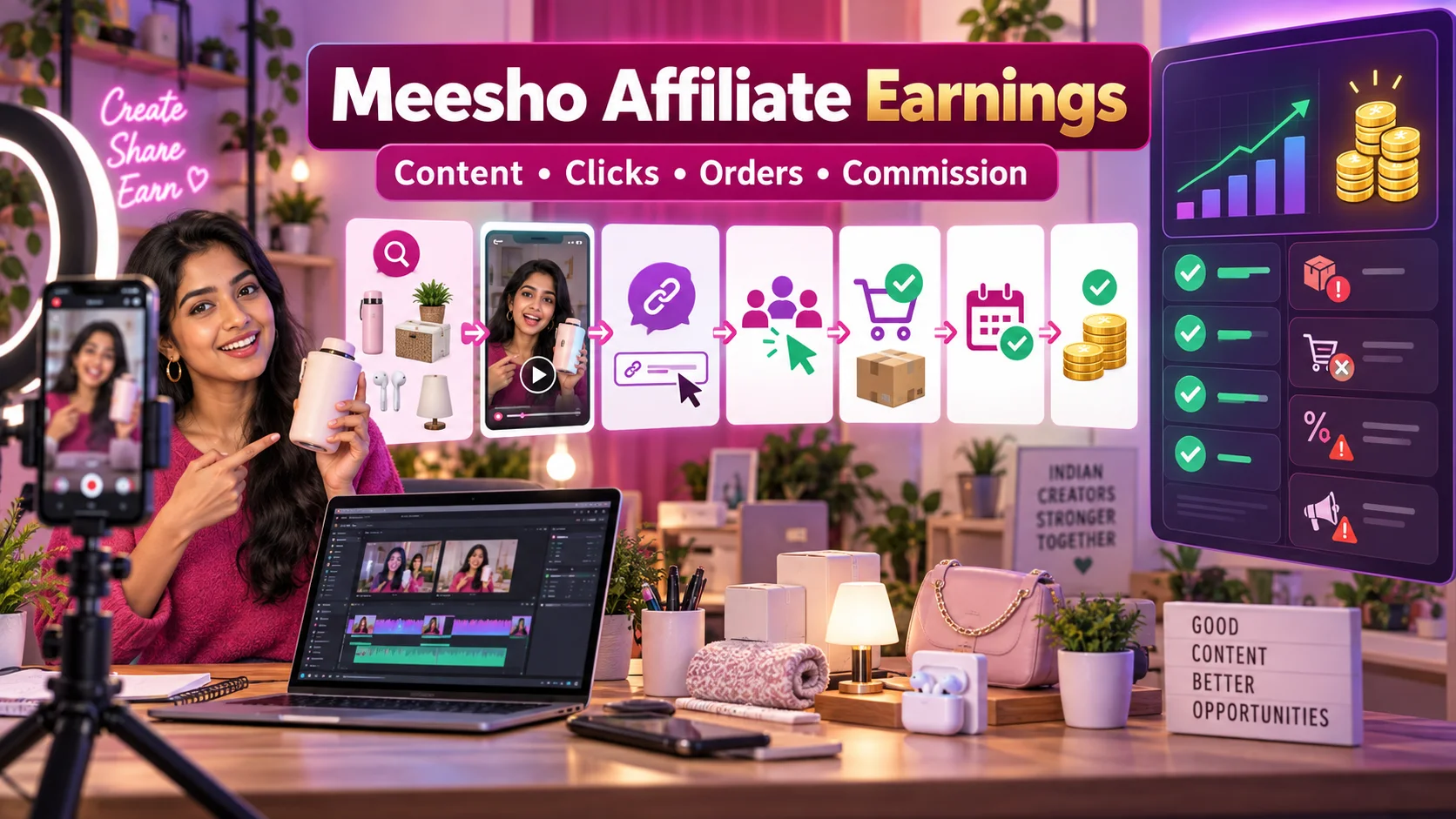
Meesho Affiliate Marketing से कमाई कैसे होती है? Influencers के लिए Complete Guide
Meesho products पर affiliate content बनाकर earnings कैसे calculate और track करें? Influencers के लिए content funnel, commission validation, returns, disclosure, payout और fraud safety की practical Hindi guide।
11 · Read blog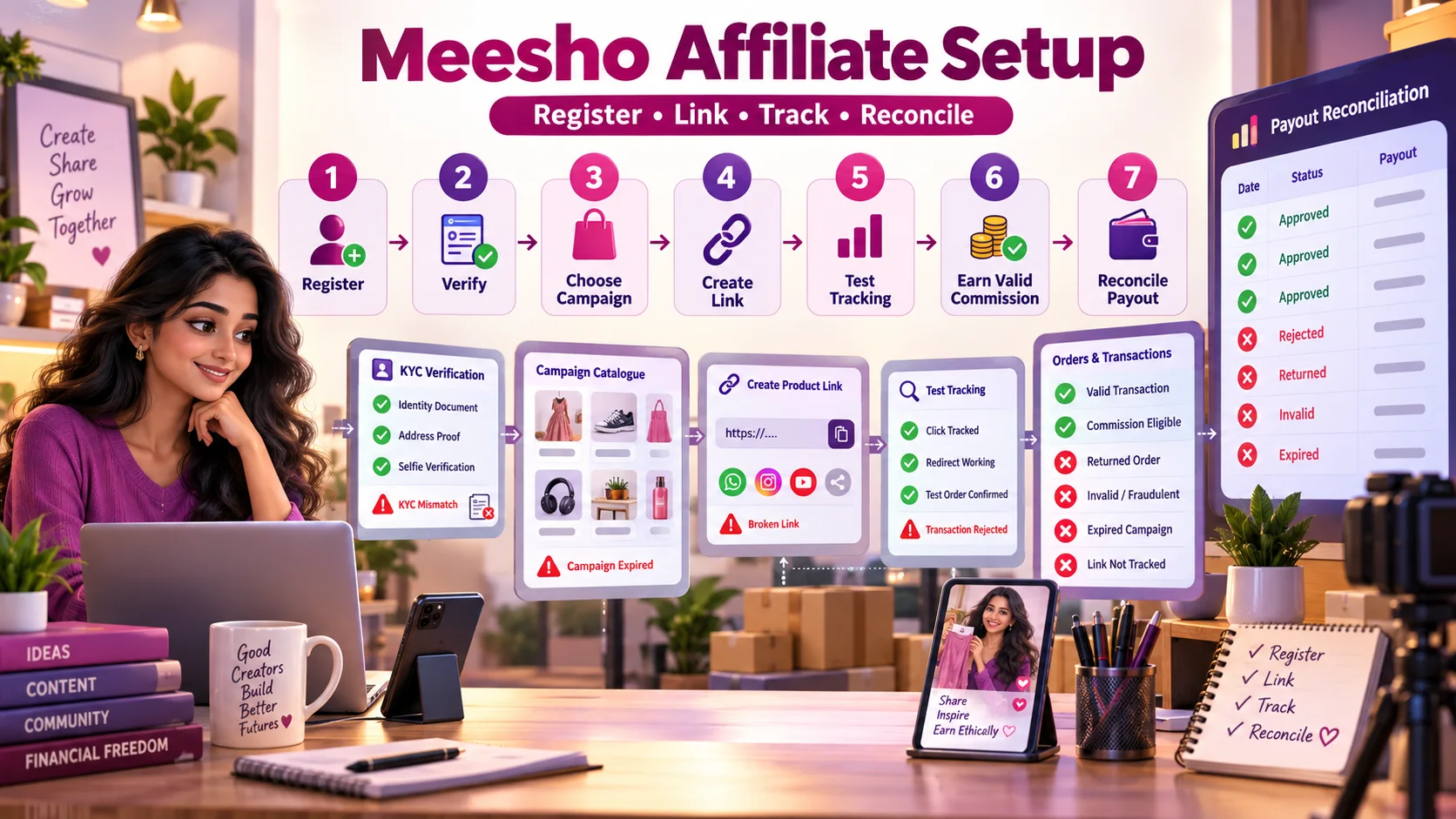
Meesho Affiliate Registration से Payout तक: Complete Step-by-Step Guide
Meesho affiliate registration, KYC, campaign selection, product-link creation, tracking test, rejected transactions और payout reconciliation का practical Hindi workflow।
4 · Read blog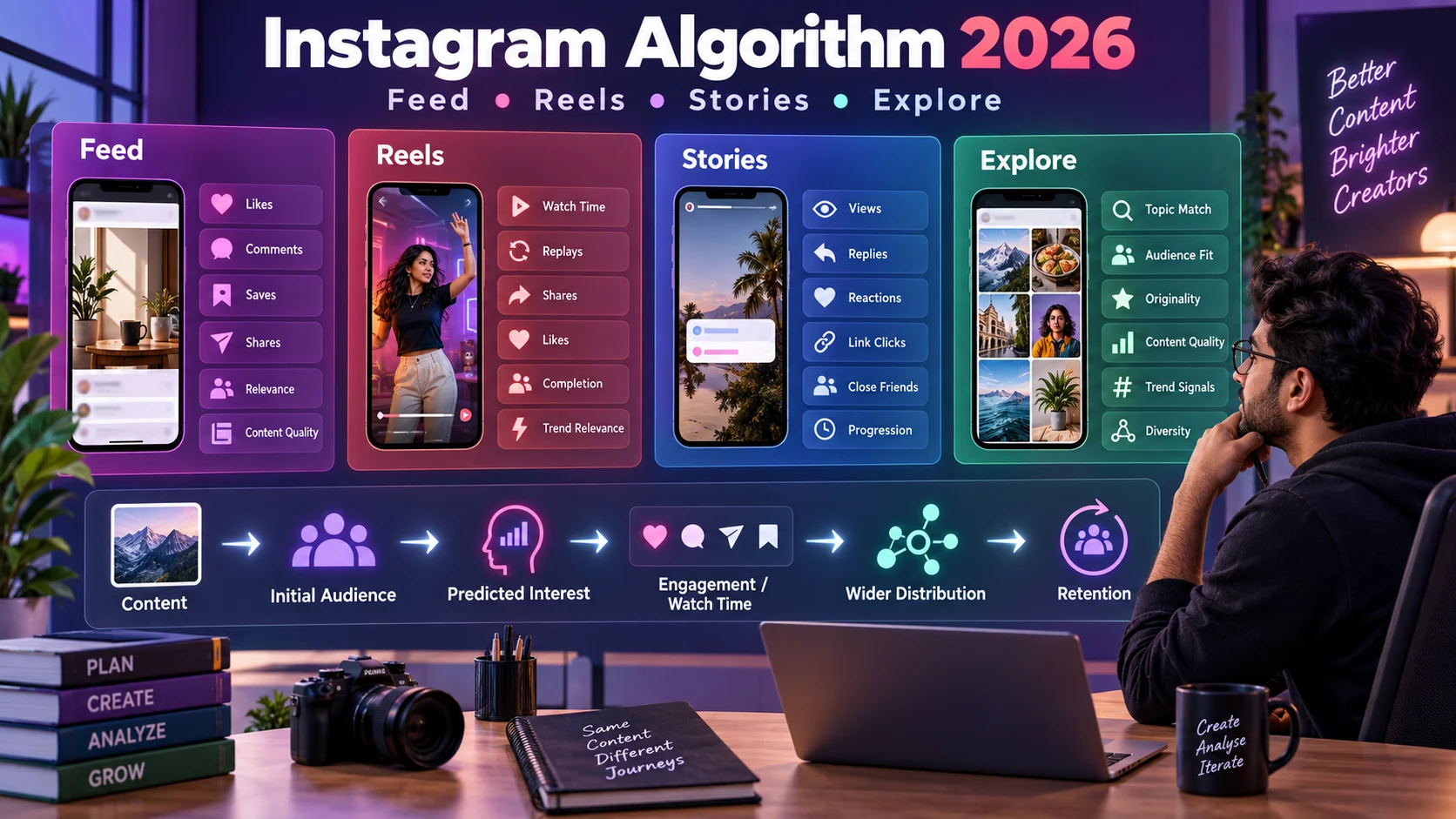
Instagram Algorithm 2026 कैसे काम करता है? Feed, Reels, Stories और Explore की Complete Guide
Instagram Feed, Reels, Stories और Explore की ranking को समझने, reach diagnose करने और data-driven content strategy बनाने की detailed Hindi guide।
4 · Read blog
Comments 0
No comments yet. Be the first to share a useful thought.
Leave a comment
Your email address will not be published. Comments are reviewed before appearing. Web addresses are displayed as plain text and are never clickable.