

Blinkit Seller Operations: Purchase Order से Payout तक Complete Practical Guide
Blinkit approval के बाद PO validation, inventory reservation, dispatch, warehouse inwarding, GRN, returns, deductions और payout reconciliation की detailed Hindi operations guide।
Blinkit Seller Hub पर account approve होना journey का अंत नहीं, operational discipline की शुरुआत है। Product live होने के बाद seller को demand के अनुसार inventory reserve करनी होती है, shipment सही location पर भेजना होता है, accepted and rejected quantity reconcile करनी होती है, stock availability maintain करनी होती है और payout statement की हर deduction को अपने books से match करना होता है।
यह article registration form को repeat नहीं करता। यहां focus approval के बाद purchase order या shipment instruction से bank payout तक के control system पर है। Exact workflow seller agreement, category, fulfilment arrangement, city और current Seller Hub process के अनुसार बदल सकता है; इसलिए dashboard instruction और signed terms final source हैं।

Order-to-cash map एक नजर में
- Demand or replenishment instruction receive होता है।
- Seller SKU, quantity, price, location and deadline validate करता है।
- Available inventory reserve होती है।
- Invoice, labels, carton and dispatch records बनते हैं।
- Warehouse receiving में quantity and condition check होती है।
- Accepted inventory customer fulfilment के लिए available होती है।
- Sales, returns, fees and adjustments statement में आते हैं।
- Net payout bank में credit होता है और books से reconcile होता है।
हर stage का अपना source document होना चाहिए। अगर PO, invoice, delivery proof, receiving record और payout statement connect नहीं होते, तो finance team को difference का कारण नहीं मिलेगा।
Step 1: Purchase order या shipment instruction validate करें
यदि आपके seller workflow में purchase order, replenishment request या shipment recommendation आता है, उसे केवल quantity request न समझें। Dispatch से पहले ये fields verify करें:
| Field | Validation | Risk if ignored |
|---|---|---|
| Order or reference number | Unique and current | Wrong document mapping |
| SKU code | Internal SKU, barcode and platform product match | Wrong inventory delivered |
| Quantity | Case pack and unit conversion correct | Short or excess dispatch |
| Price and tax | Current agreed value and tax treatment | Invoice mismatch |
| Destination | Correct warehouse or receiving point | Rejected or misrouted shipment |
| Delivery window | Production and transit fit | Late supply and stockout |
| Shelf-life condition | Batch meets current category rule | Inward rejection |
Order accept करने से पहले inventory availability physically confirm करें। ERP stock, production floor stock और sellable stock अलग हो सकते हैं। Damaged, quality-hold, near-expiry या another-channel reserved units को available मानना fill-rate problem पैदा करता है।
PO amendment control क्यों जरूरी है?
Quantity, location, delivery date या price बदलने पर team अक्सर latest email और old spreadsheet के बीच confuse होती है। हर amendment के लिए version number, changed field, approval time और responsible person record करें। Old version को delete करने के बजाय locked archive रखें।
- One order, one current master record.
- Accepted quantity और dispatch quantity अलग fields.
- Amendment cutoff के बाद packing change पर approval.
- Cancelled line item को active pick list से remove करें.
- Price change को invoice and profitability दोनों में update करें.
Step 2: Inventory reservation system बनाएं
Order accept होते ही quantity को “reserved” status दें। केवल warehouse staff को verbal message देना पर्याप्त नहीं है। Simple inventory status flow रखें:
| Status | Meaning |
|---|---|
| Available | Sellable and uncommitted stock |
| Reserved | Confirmed order or shipment के लिए blocked |
| Picked | Warehouse bin से physically removed |
| Packed | Labelled carton में ready |
| Dispatched | Carrier handover complete |
| Accepted | Destination receiving में inwarded |
| Rejected/returned | Sellable network में नहीं गया |
Same inventory को website, distributor और quick-commerce order में simultaneously promise न करें। Channel allocation rules and safety stock define करें।
Step 3: Batch और shelf-life selection
Expiry-sensitive products में first-expiry-first-out useful principle है, लेकिन destination की minimum remaining shelf-life requirement भी satisfy होनी चाहिए। कोई universal days threshold assume न करें; current purchase instruction और category requirement check करें।
Dispatch file में batch number, manufacturing date, expiry date, quantity and carton mapping रखें। इससे rejection, customer complaint या recall में exact units trace हो सकती हैं।
Step 4: Invoice और dispatch pack तैयार करें
Invoice fields legal entity, GST registration, destination, order reference, SKU, HSN, quantity, rate, discount and tax से match होने चाहिए। Generated invoice को order master से automated या second-person check कराएं।
Typical dispatch evidence pack में ये records useful हैं:
- Final order or shipment instruction
- Tax invoice and e-invoice/IRN where applicable
- E-way bill where applicable
- Packing list and carton count
- Batch and expiry sheet
- Transport document and vehicle details
- Dispatch photos or seal record
- Appointment or delivery-slot confirmation
Step 5: Carton and barcode QA
Outer carton label और inner product barcode दोनों scan करके test करें। Screenshot या design file में barcode दिखना proof नहीं है; actual printed sample scan होना चाहिए।
| Check | Method | Owner |
|---|---|---|
| Correct product barcode | Random units scan against SKU master | Quality control |
| MRP and pack size | Physical label versus portal data | Catalogue team |
| Seal and leakage | Visual and handling test | Packing team |
| Carton quantity | Count and weight cross-check | Warehouse |
| Destination label | Order record match | Dispatch |
| Batch traceability | Carton-to-batch mapping | Quality control |
Step 6: Delivery appointment और proof
Receiving location, time window and appointment reference dispatch team के पास vehicle departure से पहले होना चाहिए। Transport delay दिखाई दे तो deadline से पहले escalation करें। Handover के बाद delivery proof में date, location, carton count, receiver acknowledgement और exceptions capture करें।
Signed proof होने का अर्थ यह नहीं कि हर unit accepted हो गई। Delivery proof transport completion बताता है; receiving or goods receipt record accepted quantity बताता है। दोनों अलग controls हैं।
Step 7: Inwarding और GRN reconciliation
Warehouse receiving के बाद dispatched, received, accepted and rejected quantity compare करें। Goods receipt note या equivalent inward record finance and inventory adjustment का key evidence होता है।
| Quantity | Meaning |
|---|---|
| Ordered | Requested amount |
| Accepted by seller | Seller commitment |
| Dispatched | Carrier को handed over |
| Delivered | Destination gate पर received cartons |
| Inwarded | System में accepted sellable units |
| Rejected | Damage, mismatch, shelf life or other exception |
Fill rate = Accepted or dispatched quantity ÷ requested quantity — लेकिन organization को numerator definition consistent रखनी चाहिए। Dispatched fill rate और inwarded fill rate अलग insights देते हैं।
Common inwarding mismatch reasons
- Wrong SKU or variant.
- Barcode unreadable, duplicated or mismatched.
- MRP, net quantity or pack size differs from catalogue.
- Damaged, leaking, crushed or open packaging.
- Remaining shelf life current requirement से कम.
- Invoice quantity and physical count differ.
- Wrong destination or appointment.
- Mandatory label or category document missing.
हर rejection को generic “warehouse issue” न लिखें। Reason code, photo, batch, value and accountable process step capture करें। तभी repeated problem fix होगा।
APOB और warehouse tax setup: assumption से बचें
Additional Place of Business requirement inventory ownership, state, warehouse agreement और GST structure पर depend कर सकती है। हर seller or warehouse के लिए एक universal statement लागू नहीं किया जा सकता। किसी location को GST registration में add करने से पहले signed agreement, current Seller Hub instruction और qualified tax adviser की राय लें।
Operational checklist में यह track करें: target state, GST registration, approved place details, effective date, warehouse address, invoice-from location and responsible tax owner. Tax setup complete हुए बिना stock movement launch करना costly correction बन सकता है।
Step 8: Accepted inventory और availability monitor करें
Official Seller Hub inventory management and shipment recommendations tools highlight करता है। Accepted stock live availability में reflect होने में operational processing time लग सकता है। Daily exception report रखें:
- Accepted but not available
- Fast-selling and low days of cover
- Stockout with open replenishment
- Slow-moving and storage exposure
- Near-expiry or quality-hold quantity
- Inventory marked for removal
High sales with repeated stockout long-term growth नहीं है। Availability loss search visibility, customer choice और repeat purchase opportunity को affect कर सकता है।
Step 9: Returns और inventory removal control
Official fees page seller-attributed customer return fee and inventory removal fee list करता है। Return cases को product, batch, city, reason and financial impact से tag करें।
| Reason | Likely owner | Corrective action |
|---|---|---|
| Leakage or broken seal | Packaging or transport | Pack test and secondary protection |
| Wrong variant | Catalogue or picking | SKU mapping audit |
| Near expiry | Inventory planning | Batch allocation and reorder rule |
| MRP mismatch | Catalogue/change control | Artwork and portal synchronization |
| Slow stock removal | Demand planning | Smaller replenishment and exit trigger |
Step 10: Fee ledger तैयार करें
Official Seller Hub product ID activation, inwarding, storage, category commission, fulfilment, customer return and inventory removal जैसे possible charges बताता है। Exact product-specific values commissions calculator and dashboard से लें। Seller ledger में हर charge को अलग code दें:
- Product activation
- Inwarding
- Storage
- Category commission
- Fulfilment
- Customer return
- Inventory removal
- Advertising and promotion
- Tax and statutory deductions
- Manual or prior-period adjustment
Fixed market-average commission percentage से books न बनाएं। Actual statement amount and current agreement use करें।
Step 11: Payout reconciliation
Official information के अनुसार payouts applicable fees deduct होने के बाद registered bank account में automatically transfer होते हैं और cycles 1st–15th तथा 16th–month-end पर based हैं; processing cycle के बाद third working day पर बताई गई है।
Reconciliation equation:
Expected payout = Eligible sales − cancellations/refunds − platform charges − promotion contribution − tax deductions ± adjustments.
Three-way match करें:
- Seller Hub settlement statement
- Internal sales and fee ledger
- Bank credit
Difference को “next payout में आएगा” मानकर indefinitely carry न करें। Reason, value, period, ticket and expected closure date track करें।
Settlement exception tracker
| Exception | Evidence | Action |
|---|---|---|
| Short bank credit | Settlement and bank statement | Unmapped deductions identify करें |
| Duplicate charge | Order/SKU-level fee lines | Support ticket with references |
| Missing sale | Order status and delivery record | Eligibility and cycle timing verify करें |
| Unknown adjustment | Adjustment code and prior statements | Source period trace करें |
| Tax mismatch | Invoices, statement and return records | Tax professional review |
Daily, weekly और cycle-end operating rhythm
| Frequency | Controls |
|---|---|
| Daily | New instructions, stockouts, dispatch deadlines, receiving exceptions |
| Weekly | Fill rate, inward rejection, sell-through, storage risk, returns |
| Payout cycle | Sales-to-statement-to-bank reconciliation |
| Monthly | SKU contribution, city profitability, ageing and promotion ROI |
| Quarterly | Agreement, tax setup, master data and control audit |
Core metrics dashboard
- Order acceptance rate: requested quantity का कितना commit किया?
- Dispatch fill rate: committed quantity का कितना भेजा?
- Inward acceptance rate: dispatched units का कितना accept हुआ?
- On-time delivery: shipments promised window में पहुंचे?
- Availability: live time में SKU कितने प्रतिशत in stock था?
- Sell-through: accepted inventory में से कितना बिका?
- Return/rejection rate: exception units का proportion.
- Contribution per unit: सभी costs के बाद value.
- Payout variance: expected versus received amount.
- Reconciliation ageing: open difference कितने days पुराना है?
Small seller के लिए simple control file
Complex ERP जरूरी नहीं। शुरुआत में एक controlled workbook या database में tabs रखें: SKU master, orders, reservations, dispatches, receiving, returns, fees, settlements and exceptions. Unique IDs से tables connect करें। Manual copy-paste कम करने के लिए import templates and validation rules use करें।
CSV upload या API automation से पहले clean master data जरूरी है। Wrong barcode को faster sync करना automation नहीं, faster error propagation है।
Approval pending है तो operations file क्यों बनाएं?
Verification के दौरान ही SKU master, batch logic, dispatch documents and reconciliation model तैयार करने से approval के बाद chaos कम होता है। Official Seller Hub document verification timeline successful submission पर depend करता है और suitable cases में first sale जल्दी हो सकती है; readiness last day पर शुरू नहीं होनी चाहिए।
Registration and fee basics के लिए complete Blinkit seller guide और brand launch readiness के लिए first-time brand playbook पढ़ें।
Common operational mistakes
- Order accept करके inventory reserve न करना।
- Latest amendment के बजाय old quantity dispatch करना।
- Printed barcode sample scan न करना।
- Delivery proof को inward acceptance मान लेना।
- Rejected units inventory में वापस adjust न करना।
- Universal shelf-life number assume करना।
- APOB or tax setup को बिना professional review generalize करना।
- Fee lines aggregate करके SKU profitability खो देना।
- Bank credit को statement से reconcile न करना।
- Open exceptions का owner and deadline तय न करना।
Fraud-safe operations
Official Blinkit brand page products list करने के लिए Seller Hub को safe route बताता है और shortcut agents से सावधान करता है। Internal team भी OTP, UPI PIN, CVV, banking password or unrestricted admin access share न करे। Role-based access, approval limits and change logs रखें।
Final takeaway
Blinkit seller operations का profit केवल sales volume से नहीं बनता। Purchase instruction सही पढ़ना, inventory reserve करना, compliant stock dispatch करना, receiving differences पकड़ना, returns root-cause करना और payout को line-by-line reconcile करना equally important है।
हर handoff को document, owner, timestamp and metric दें। तब seller stockout, rejection and unexplained deductions पर react करने के बजाय system से control कर सकता है। Approval business शुरू करता है; disciplined order-to-cash process उसे sustainable बनाता है।
Article at a glance
| Written by | Pooja Sharma |
|---|---|
| Published | 29 Sep 2026, 01:00 PM IST |
| Reading time | 11 minutes |
| Topic | Ecommerce research and practical guidance |
Frequently Asked Questions
Blinkit approval के बाद पहला operational step क्या है?
Current Seller Hub instruction, approved products, inventory availability और shipment or purchase requirements verify करें। किसी order को accept करने से पहले SKU, quantity, destination, deadline, price and shelf-life conditions check करें।
PO और shipment recommendation में क्या अंतर है?
Exact terminology seller workflow पर depend करती है। Purchase order commercial request हो सकता है, जबकि shipment recommendation inventory replenishment suggestion हो सकती है। Dashboard and signed agreement को final reference मानें।
GRN reconciliation क्या है?
Goods receipt or equivalent receiving record में warehouse द्वारा accepted quantity को seller dispatch and invoice quantity से compare करना GRN reconciliation है। इससे shortage, rejection and payment differences identify होते हैं।
Delivery proof होने पर stock accepted माना जाएगा?
नहीं। Delivery proof cartons destination तक पहुंचने का evidence है। Sellable inward acceptance receiving or goods receipt record से confirm होती है।
Barcode failure कैसे रोकें?
Actual printed units को scanner से test करें, SKU master से mapping verify करें और outer-carton तथा inner-product barcodes confuse न करें। Design file का visual check पर्याप्त नहीं है।
APOB हर Blinkit seller के लिए mandatory है?
Universal answer नहीं दिया जा सकता। Requirement inventory ownership, state, warehouse arrangement and GST structure पर depend कर सकती है। Current agreement and qualified tax adviser से seller-specific treatment confirm करें।
Blinkit payout कितनी बार होता है?
Official information 1st–15th और 16th–month-end cycles बताती है, जिनके बाद third working day पर processing होती है। Actual credit timing and adjustments Seller Hub statement से verify करें।
Payout mismatch कैसे check करें?
Seller Hub settlement, internal sales and fee ledger तथा bank credit का three-way match करें। Difference को order, SKU, fee code, period and support ticket से track करें।
Inward rejection का सबसे अच्छा control क्या है?
Pre-dispatch QA में physical barcode scan, MRP and pack-size match, batch and shelf life, packaging condition, invoice quantity और destination verify करें।
Seller operations में कौन-से metrics जरूरी हैं?
Order acceptance, dispatch fill rate, inward acceptance, on-time delivery, availability, sell-through, returns, contribution, payout variance and reconciliation ageing साथ track करें।

Pooja Sharma
Ecommerce Analytics WriterPooja explains ecommerce analytics in plain English, helping buyers and sellers understand discovery, conversion, fulfilment, returns and customer loyalty metrics.
View author profileRead More Blogs

Meesho पर Online Selling कैसे शुरू करें? Registration, Catalog, Pricing और Growth की Complete 2026 Guide
Meesho seller registration से catalog, pricing, packing, delivery, payment, returns और growth तक का practical step-by-step Hindi playbook—नए और छोटे sellers के लिए।
5 · Read blog
Flipkart New Seller Guide: पहले 90 दिनों में Sales कैसे शुरू और Grow करें?
नए Flipkart seller के लिए first 90 days का practical Hindi roadmap। Account readiness, starter catalogue, listings, pricing, inventory, first orders, Ads, reviews, returns और weekly growth system समझें।
5 · Read blog
India के 30 Best Online Selling Platforms: Sellers के लिए Complete 2026 Guide
India में products online बेचने के लिए 30 marketplaces, niche channels, B2B networks, social commerce और own-store platforms की practical Hindi comparison।
4 · Read blog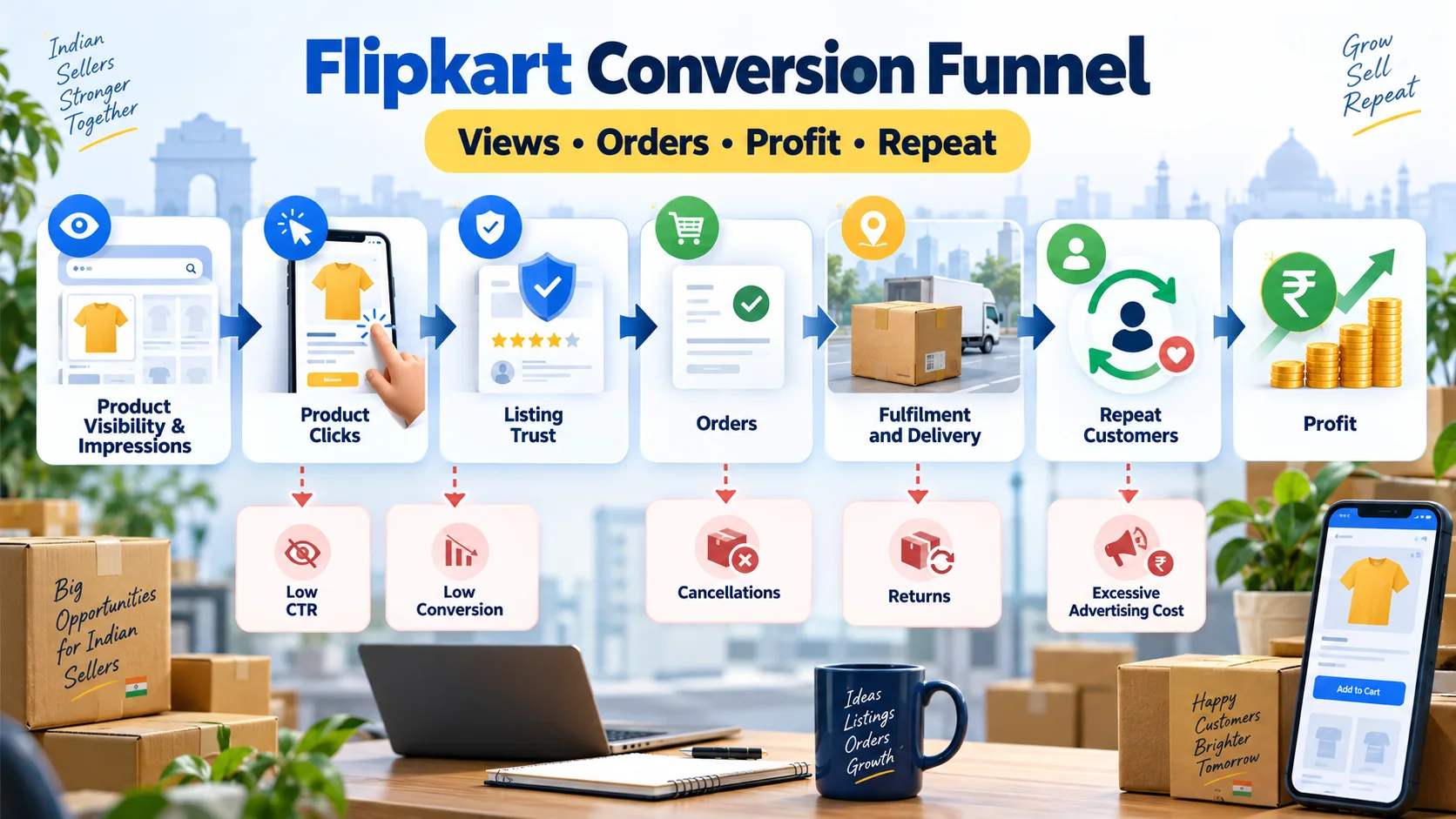
Flipkart Conversion Funnel कैसे सुधारें? Views से Profitable Sales तक Complete Guide
Flipkart पर impressions और clicks को profitable orders में बदलने की practical Hindi guide। CTR, conversion, cancellations, returns, ad ROAS, contribution margin और repeat demand को सही क्रम में समझें।
4 · Read blog
Comments 0
No comments yet. Be the first to share a useful thought.
Leave a comment
Your email address will not be published. Comments are reviewed before appearing. Web addresses are displayed as plain text and are never clickable.