

WhatsApp Business API कैसे लें? Cloud API Setup और Approval Guide 2026
WhatsApp Business Platform और Cloud API की detailed Hindi guide: eligibility, direct vs partner setup, phone number, WABA, templates, webhooks, pricing, security और launch checklist।
WhatsApp Business API कोई अलग mobile app download नहीं है। इसका current product name WhatsApp Business Platform है और Cloud API उसके official deployment options में से एक है। इसका उपयोग businesses customer support, order updates, authentication, reminders, marketing और structured conversational flows के लिए करते हैं।
API लेने का मतलब केवल approval नहीं है। आपको customer consent, business identity, phone-number onboarding, message templates, webhook processing, team inbox या CRM integration, security और opt-out handling की पूरी operating system चाहिए। गलत bulk messaging number quality और account access दोनों को नुकसान पहुंचा सकती है।
WhatsApp Business App और Platform में अंतर
| Area | Business App | Business Platform / Cloud API |
|---|---|---|
| Best fit | Owner-managed small conversations | Teams, automation and system integration |
| Interface | Mobile/desktop app | API plus your own software or partner inbox |
| Automation | Basic greeting and quick replies | Webhooks, bots, routing, CRM and workflows |
| Outbound messaging | App features and applicable limits | Approved templates, consent and platform rules |
| Technical work | Low | Developer or solution partner required |
| Pricing | App itself may be free | Current platform pricing plus possible provider/software fee |
Direct Cloud API या solution partner?
Direct Cloud API
Meta infrastructure API host करती है, लेकिन application, access tokens, webhooks, message storage, agent inbox, retries, monitoring और CRM integration आपकी team बनाती है। यह उन businesses के लिए सही है जिनके पास backend developers, security ownership और ongoing maintenance capacity है।
Partner or software platform
Partner embedded signup, shared team inbox, broadcasts, automation builder, reports और integrations दे सकता है। Convenience के बदले subscription, markup या service fee हो सकती है। Partner चुनते समय asset ownership, exit process, phone migration, message charges, data retention और support SLA लिखित में लें।
“Official partner” statement को Meta partner directory में verify करें। किसी provider को permanent ownership देने या personal admin credentials share करने की जरूरत नहीं होनी चाहिए।
शुरू करने से पहले readiness checklist
- Accurate legal business name, address and contact information
- Working business website with privacy policy and support details
- Meta business portfolio में appropriate admin access
- Use case: support, utility, authentication or marketing
- Customer opt-in proof and category-specific consent wording
- Dedicated phone-number plan and migration/coexistence decision
- Initial templates, opt-out keywords and escalation workflow
- CRM/helpdesk ownership, retention policy and incident response
Cloud API setup: step-by-step
- Create or select a Meta business portfolio: legal details और admins review करें। कम से कम दो trusted admins रखें और individual logins use करें।
- Create a developer app: suitable business app type चुनकर WhatsApp product add करें। Test assets production assets से अलग रखें।
- Create/select WABA: WhatsApp Business Account templates, numbers और messaging assets hold करता है।
- Use the test number: sample recipient के साथ send/receive flow verify करें। Test token को production secret न मानें।
- Plan production authentication: long-lived system-user token, minimum permissions, secret vault और rotation process रखें। Token source code या browser JavaScript में expose न करें।
- Add the phone number: OTP verification और two-step verification complete करें। Number app में active हो तो supported coexistence या migration route आपके account/provider पर निर्भर हो सकता है; onboarding instructions verify किए बिना account delete न करें।
- Configure webhooks: public HTTPS endpoint, verify token, subscribed events और signature verification implement करें।
- Create templates: intent के अनुसार marketing, utility या authentication category चुनें। Variables के लिए real sample values दें।
- Build consent and opt-out: source, time, purpose और wording log करें; STOP जैसी requests तुरंत honour करें।
- Run controlled launch: internal users, then small opted-in group, then measured scale.
Phone number: migration में सबसे ज्यादा सावधानी
पुरानी guides अक्सर कहती हैं कि existing WhatsApp account delete करना हमेशा mandatory है। Current onboarding capabilities route और provider के अनुसार अलग हो सकती हैं। कुछ setups migration मांगते हैं; supported coexistence route app history और Cloud API operation को अलग तरीके से handle कर सकता है। इसलिए पहले यह लिखित में confirm करें:
- क्या existing number eligible है?
- क्या app access बना रहेगा?
- Chat history transfer होगी या नहीं?
- Downtime कितना हो सकता है?
- Rollback possible है?
- Two-step PIN किसके control में रहेगा?
Personal founder number के बजाय business-owned number बेहतर है। Number, WABA और business portfolio ownership company के पास रहनी चाहिए।
24-hour service window और templates
User के last message के बाद applicable customer-service window में business free-form replies भेज सकता है। Window के बाहर business-initiated message के लिए approved template आवश्यक हो सकता है। Current policy और pricing documentation को final मानें।
| Category | Suitable use | Common mistake |
|---|---|---|
| Utility | Expected order, payment, delivery or appointment update | Offer or cross-sell जोड़कर marketing intent छिपाना |
| Authentication | OTP and account verification | Promotional copy या unrelated links जोड़ना |
| Marketing | Offers, recommendations, re-engagement | Broad list को बिना specific opt-in message करना |
| Service | User-initiated support conversation | Window expiry के बाद free-form outbound भेजना |
Pricing कैसे calculate करें?
Pricing market, message category और current platform rules के अनुसार बदल सकती है। किसी old per-conversation chart या fixed partner quote को permanent rate न मानें। Monthly cost model:
Total cost = platform message charges + partner/software fee + CRM/helpdesk cost + development and monitoring + support staffing.
Campaign profitability के लिए delivered messages नहीं, qualified outcomes देखें: resolved support cases, completed orders, verified logins, recovered carts और opt-out/block rate।
Webhook और security architecture
- Webhook verification और request signature validate करें।
- Events को queue में डालें; webhook request के भीतर heavy work न करें।
- Message IDs से idempotency रखें ताकि retries duplicate action न बनाएं।
- Access tokens secret manager में रखें और least privilege लागू करें।
- Customer message content की retention period define करें।
- Logs में OTP, full phone number और sensitive content mask करें।
- Agent access role-based रखें; departed staff तुरंत remove करें।
- Failed send, webhook delay और quality alerts monitor करें।
Template rejection के common कारण
- Template category और actual intent match नहीं करते।
- Variables का context या sample unclear है।
- Business identity, website और display name inconsistent हैं।
- Misleading urgency, prohibited content या unsupported claims हैं।
- Opt-in के बिना unsolicited marketing plan है।
- Broken URL, shortened suspicious link या unclear CTA है।
Launch के बाद कौन-से metrics देखें?
| Metric | Decision |
|---|---|
| Delivery and failure rate | Number quality, template and technical errors पहचानें |
| Read and reply rate | Relevance और timing evaluate करें |
| Opt-out, block and report rate | Consent quality और fatigue monitor करें |
| First response and resolution time | Support staffing और routing improve करें |
| Conversion or task completion | Business outcome measure करें |
| Cost per resolved outcome | Channel economics compare करें |
Final recommendation
Small owner-operated business को basic app पर्याप्त हो सकता है। Multiple agents, automated order updates, CRM routing, OTP या compliant campaigns चाहिए तो Business Platform उचित है। Direct Cloud API तब चुनें जब आपकी engineering team production security और operations संभाल सके; otherwise transparent partner बेहतर हो सकता है। Setup से पहले consent, number ownership और exit strategy तय करना approval speed से ज्यादा महत्वपूर्ण है।
Customer acquisition system बनाने के लिए First 100 Customers guide और campaign planning के लिए Social Commerce guide भी पढ़ें।
Sources and verification
- WhatsApp Business Platform official overview
- WhatsApp Business Messaging Policy
- Cloud API official overview
- Current official pricing documentation
This is an original AFShop educational guide. Product availability, pricing, number migration, coexistence and policy requirements can change by account and market. Verify the current official documentation before implementation.
Found an error? Review our Corrections Policy or contact the editorial team.
Article at a glance
| Written by | Ananya Iyer |
|---|---|
| Published | 03 Oct 2026, 08:05 AM IST |
| Reading time | 6 minutes |
| Topic | Ecommerce research and practical guidance |
Frequently Asked Questions
WhatsApp Business API और Cloud API में क्या अंतर है?
WhatsApp Business Platform broader product है; Cloud API उसका Meta-hosted API option है।
क्या WhatsApp Business API के लिए partner जरूरी है?
नहीं। Developer team direct Cloud API integrate कर सकती है; partner inbox, automation and onboarding simplify कर सकता है।
क्या existing WhatsApp number delete करना जरूरी है?
हर route में नहीं। Migration or supported coexistence eligibility account और provider पर निर्भर हो सकती है; official onboarding instructions verify करें।
क्या API से किसी भी व्यक्ति को message भेज सकते हैं?
नहीं। Valid opt-in, applicable template rules, service window and messaging policies follow करनी होती हैं।
WABA क्या है?
WhatsApp Business Account वह Meta-side asset है जो phone numbers, templates and messaging configuration रखता है।
Webhook क्यों जरूरी है?
Inbound messages, message status and other events आपके system तक webhook से आते हैं।
API pricing कितनी है?
Pricing market, message category and current rules से बदलती है। Official live rate card और provider fee दोनों देखें।
Direct Cloud API किसके लिए सही है?
उस business के लिए जिसके पास backend development, security, monitoring and support operations संभालने की capacity हो।

Ananya Iyer
Online Commerce WriterAnanya covers online commerce, customer trust and the information readers need before acting on a deal or recommendation.
View author profileRead More Blogs

Meta Ads Guide 2026: Facebook और Instagram Advertising कैसे शुरू करें?
Facebook और Instagram पर Meta Ads शुरू करने की complete Hindi guide—account setup, objectives, audience, budget, placements, creatives, measurement और India-specific launch plan।
5 · Read blog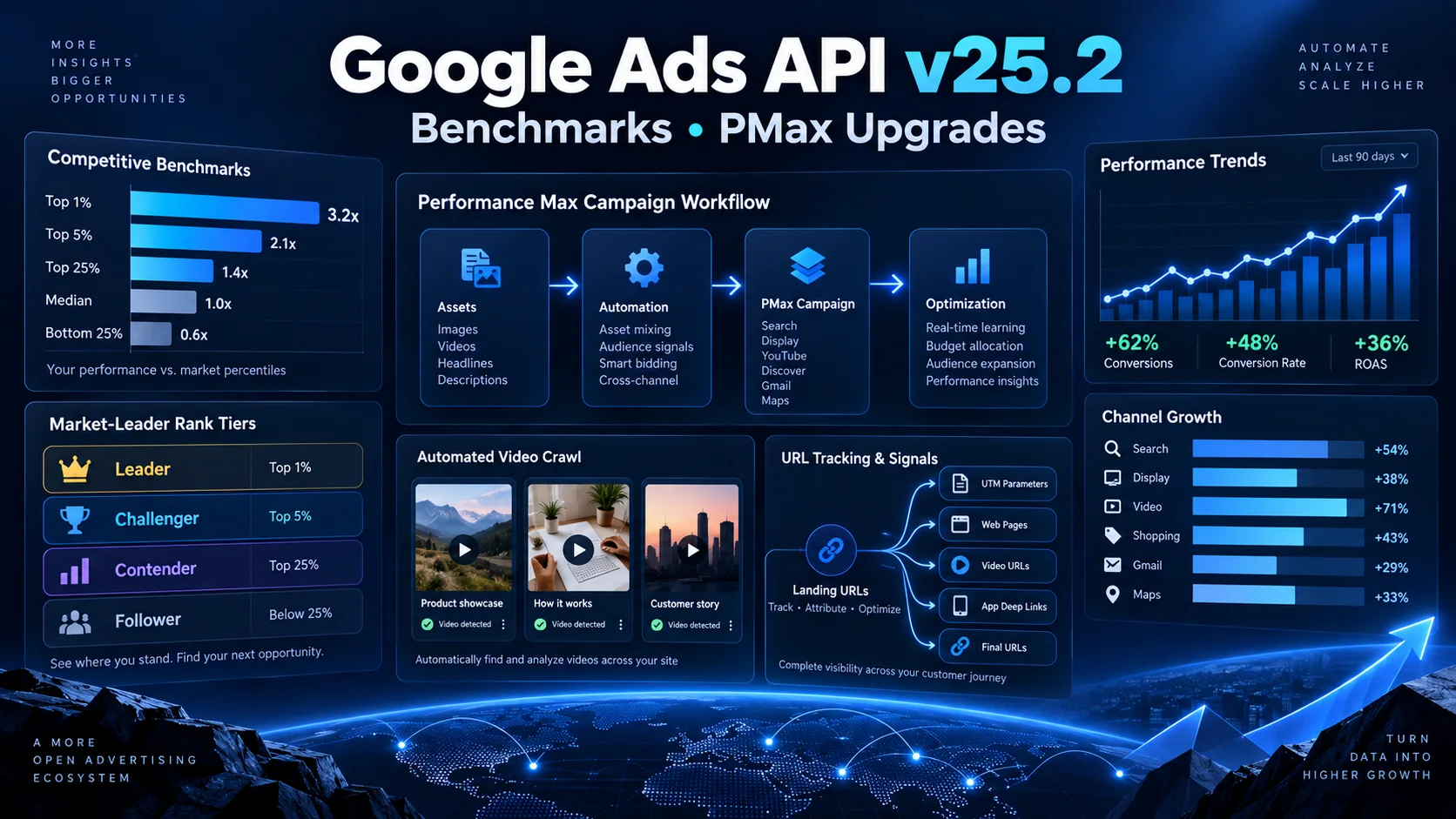
Google Ads API v25.2 में क्या नया है? Competitive Benchmarks और PMax Upgrades को आसान हिंदी में समझें
Google Ads API v25.2 में competitive percentile benchmarks, Performance Max video crawl, asset-group URL tracking और Smart Campaign से PMax draft बनाने जैसे बदलाव आए हैं। Advertisers, agencies और developers के लिए इन updates का practical मतलब आसान हिंदी में समझें।
12 · Read blog
Google AdSense vs Google Ad Manager 2026: Publishers के लिए सही Choice
AdSense और Google Ad Manager में difference, साथ में use करने का workflow, direct campaigns, inventory, line items, reporting और publisher setup की complete Hindi guide।
8 · Read blog
Startup Marketing कैसे करें? Low-Budget Strategy और 90-Day Plan 2026
नई startup के लिए market research, branding, website, social media, content, PR, referrals, email, budget और 90-day marketing roadmap की detailed Hindi guide।
8 · Read blog
Comments 0
No comments yet. Be the first to share a useful thought.
Leave a comment
Your email address will not be published. Comments are reviewed before appearing. Web addresses are displayed as plain text and are never clickable.