

Google AdSense vs Google Ad Manager 2026: Publishers के लिए सही Choice
AdSense और Google Ad Manager में difference, साथ में use करने का workflow, direct campaigns, inventory, line items, reporting और publisher setup की complete Hindi guide।
Google AdSense और Google Ad Manager को अक्सर alternatives समझ लिया जाता है, जबकि दोनों का primary काम अलग है। AdSense website को Google demand से monetize करने का simple product है। Google Ad Manager (GAM) एक ad server और inventory-management platform है जो direct campaigns, programmatic demand, targeting, forecasting और reporting को organise करता है। इसलिए कई publishers दोनों को साथ use करते हैं।
सही question “कौन बेहतर है?” नहीं, बल्कि “मेरे business को simple monetization चाहिए या controlled ad operations?” है। GAM install करने से revenue automatic नहीं बढ़ता; वह अधिक control देता है और उस control को operate करने के लिए सही inventory design, trafficking discipline और measurement चाहिए।
30-second answer
- AdSense only: direct ad sales नहीं, small team और minimum maintenance चाहिए।
- Google Ad Manager: direct campaigns चलानी हैं, placements centrally manage करने हैं या multiple demand sources coordinate करने हैं।
- Hybrid: GAM ad decisions manage करे और AdSense eligible inventory के लिए programmatic demand/backfill role निभाए।
AdSense और Ad Manager का role
| Product | Primary job | यह क्या नहीं है? |
|---|---|---|
| Google AdSense | Approved website inventory पर ads serve करके monetization | Full direct-campaign ad server नहीं |
| Google Ad Manager | Inventory, orders, line items, creatives, targeting और reporting manage करना | हर demand source के लिए automatic payer नहीं |
| AdX / exchange demand | Advanced programmatic auction and deal demand | हर GAM account में automatically available feature नहीं |
Google Ad Manager workflow कैसे चलता है?
- Publisher site or app में logical ad units बनाता है।
- Page पर Google Publisher Tags eligible ad request भेजते हैं।
- GAM targeting, line-item priority, delivery goals, frequency caps और demand eligibility check करता है।
- Direct campaign, house campaign, AdSense, exchange या connected demand में से eligible option compete/serve करता है।
- Impression, viewability, delivery और revenue reports में record होते हैं।
Exact auction and priority behaviour configuration-dependent है। गलत line-item type या priority direct deal को underdeliver करा सकती है या programmatic demand को unnecessarily block कर सकती है।
Google Ad Manager के core building blocks
Inventory and ad units
Ad unit को केवल banner size का नाम न दें। Site section, device, position और format की meaningful hierarchy बनाएं, जैसे news/article/mobile/inline-1। बहुत granular structure reporting कठिन बनाता है; बहुत broad structure optimisation रोकता है।
Orders and line items
Order advertiser or campaign grouping है; line item delivery rule है। इसमें dates, quantity, rate, targeting, priority और frequency define हो सकती है। Pricing model और line-item type गलत होने पर reports और delivery दोनों mislead कर सकते हैं।
Creatives
Creative size, landing URL, third-party tags, SSL compatibility, click tracking और policy compliance QA करें। Raw third-party scripts को trusted review के बिना publish न करें।
Targeting
Geography, device, inventory, key-values और audience signals use हो सकते हैं। Sensitive data, personally identifiable information या prohibited targeting parameters pass न करें।
Forecasting
Forecasting historical traffic और current reservations के आधार पर available inventory estimate करता है। यह guarantee नहीं है; breaking news, seasonality, consent rate और traffic mix result बदल सकते हैं।
AdSense vs Google Ad Manager comparison
| Area | AdSense | Google Ad Manager |
|---|---|---|
| Setup | Relatively simple account and tag setup | Inventory architecture, tags and trafficking workflow |
| Direct ad sales | Full campaign management नहीं | Orders, line items, creatives and delivery controls |
| Demand | Google-managed AdSense demand | Direct and eligible programmatic sources coordinate कर सकता है |
| Targeting | Publisher-friendly basic controls | Inventory and campaign-level granular targeting |
| Reporting | Simple earnings and performance analysis | Dimensions, delivery, inventory and demand-level reporting |
| Team needed | Owner/editor manage कर सकता है | Ad operations knowledge strongly recommended |
| Revenue effect | Low overhead | Control potential, but no automatic uplift |
क्या AdSense और GAM साथ use हो सकते हैं?
हाँ, eligible setup में AdSense account को GAM से link किया जा सकता है और suitable inventory पर AdSense demand serve हो सकती है। इसका फायदा यह है कि publisher direct campaigns को priority दे सकता है और remaining eligible opportunities में programmatic demand use कर सकता है। Link करने से पहले account permissions, inventory rules और payment/reporting flow समझें।
एक page पर independent AdSense tags और GAM tags बिना plan के mix न करें। इससे duplicate placements, layout shift, policy risk और reporting confusion हो सकता है। प्रत्येक slot का single documented owner रखें।
Direct campaign का practical example
मान लें local finance brand AFShop जैसी editorial site पर 1 October से 31 October तक desktop और mobile article pages में 300,000 viewable impressions चाहता है। GAM workflow में advertiser order, dated line item, target ad units, approved creatives, frequency cap और impression goal create किया जा सकता है। Campaign शुरू होने से पहले forecast check करें; live होने के बाद delivery pace और discrepancy daily monitor करें।
Advertiser invoice और payment GAM खुद हर direct campaign के लिए automatically नहीं संभालता। Contract, billing, tax, creative approval और make-good terms publisher को manage करने पड़ सकते हैं।
Implementation checklist
- Business requirement: direct sales, sponsorship, house promotions या multiple demand की वास्तविक need लिखें।
- Inventory map: pages, devices, positions, sizes और formats list करें।
- Naming convention: ad units, orders, line items और key-values के consistent names तय करें।
- Tag plan: asynchronous GPT, responsive sizes और lazy loading strategy document करें।
- Consent: applicable user consent signals ad request तक सही पहुंच रहे हों।
- ads.txt: authorised seller records current रखें।
- QA: test page, device matrix, console errors, click-through, creative size और safe-frame check करें।
- Measurement: pre-launch baseline और post-launch comparison तय करें।
- Runbook: underdelivery, blank ads, bad creatives और emergency pause के steps लिखें।
Page speed और user experience
Ad Manager अधिक control देता है, लेकिन अधिक scripts add करने की permission नहीं। Ad tags को asynchronous रखें, ad containers के लिए dimensions reserve करें, below-the-fold slots lazy load करें और heavy third-party creatives monitor करें। Revenue test में Core Web Vitals, bounce, pages per session और repeat visits शामिल करें।
Refresh तभी use करें जब current Google policy, user activity और declaration requirements पूरी हों। Hidden, stacked या accidental-click placements short-term numbers बढ़ाकर account risk बना सकते हैं।
Reporting dashboard में क्या रखें?
- Total ad requests, matched requests, impressions and unfilled opportunities
- Revenue, eCPM, page RPM and net revenue
- Viewability by placement and device
- Direct campaign delivery pace and underdelivery risk
- Creative errors, blank rate and latency
- Demand source, geography and page-type contribution
- Invalid traffic adjustments and policy incidents
Metrics की definitions लिखकर रखें। Ad request, matched request, code served और impression interchangeable नहीं हैं। Different systems की time zone और currency भी align करें।
कब AdSense पर ही रहना बेहतर है?
- आप direct campaigns sell नहीं करते।
- Inventory structure simple है और existing reports पर्याप्त हैं।
- Ad operations के लिए owner नहीं है।
- Traffic अभी unstable या policy remediation में है।
- Expected control benefit implementation cost से कम है।
कब Google Ad Manager अपनाना चाहिए?
- Brands को guaranteed or sponsored placements sell करनी हैं।
- Multiple sites/apps और ad units centrally manage करने हैं।
- Campaign targeting, pacing, forecasting और frequency controls चाहिए।
- Demand sources और direct sales को documented rules से coordinate करना है।
- Team regular QA, reporting और optimisation कर सकती है।
Common mistakes
- GAM account बनते ही AdX access assume करना।
- Line-item priorities समझे बिना trafficking करना।
- Same slot पर multiple independent tags चलाना।
- Forecast को guaranteed future traffic मानना।
- Gross revenue देखकर ad-ops, sales and latency cost ignore करना।
- Creative QA और malware response process न रखना।
- Direct campaign billing को platform payment समझ लेना।
Final recommendation
AdSense publisher को simple demand और monetization देता है; Google Ad Manager publisher को inventory और campaign decisioning की operating layer देता है। Small publisher के लिए AdSense alone सही हो सकता है। Growing publisher direct sales या multiple demand strategy शुरू करे तो GAM useful होता है। Best setup वही है जिसे आपकी team accurately operate, measure और audit कर सके।
Advanced exchange access evaluate कर रहे हैं तो हमारी Google AdX vs AdSense guide पढ़ें। Site availability issue हो तो AdSense site down troubleshooting guide से technical checks शुरू करें।
Sources and verification
- Google AdSense Help: How AdSense works
- Google Ad Manager Help: Advertising with Ad Manager
- Google Ad Manager product overview
This is an original AFShop educational guide. Features, policies, account access and commercial terms can change. Verify current official documentation before implementation.
Found an error? Review our Corrections Policy or contact the editorial team.
Article at a glance
| Written by | Priya Deshmukh |
|---|---|
| Published | 03 Oct 2026, 07:30 AM IST |
| Reading time | 7 minutes |
| Topic | Ecommerce research and practical guidance |
Frequently Asked Questions
क्या Google AdSense और Google Ad Manager एक ही product हैं?
नहीं। AdSense simple monetization demand product है; Google Ad Manager inventory, campaigns, targeting and reporting manage करने वाला ad server है।
क्या दोनों साथ use हो सकते हैं?
हाँ, eligible accounts में AdSense demand को Google Ad Manager inventory workflow में use किया जा सकता है। Configuration और policies verify करें।
क्या Google Ad Manager revenue automatically बढ़ाता है?
नहीं। GAM control देता है; result demand, direct sales, setup quality, viewability, latency और operational discipline पर निर्भर करता है।
क्या GAM account से AdX automatically मिलता है?
नहीं। AdX or advanced exchange access separate eligibility and account arrangements पर depend कर सकता है।
Line item क्या होता है?
Line item campaign delivery rule है जिसमें dates, quantity, pricing, targeting, priority and frequency settings हो सकती हैं।
क्या small website को GAM चाहिए?
यदि direct campaigns या complex inventory need नहीं है तो AdSense का simpler setup अधिक practical हो सकता है।
Direct advertiser payment कौन करता है?
Direct campaign contract, billing and payment publisher को manage करना पड़ सकता है; GAM हर direct deal का automatic payment processor नहीं है।
Migration में क्या measure करें?
Net page RPM, fill, viewability, latency, Core Web Vitals, session depth, delivery accuracy and operating cost compare करें।

Priya Deshmukh
Editorial Research WriterPriya turns research, public data and practical checks into clear articles for AFShop readers.
View author profileRead More Blogs

Meta Ads Guide 2026: Facebook और Instagram Advertising कैसे शुरू करें?
Facebook और Instagram पर Meta Ads शुरू करने की complete Hindi guide—account setup, objectives, audience, budget, placements, creatives, measurement और India-specific launch plan।
5 · Read blog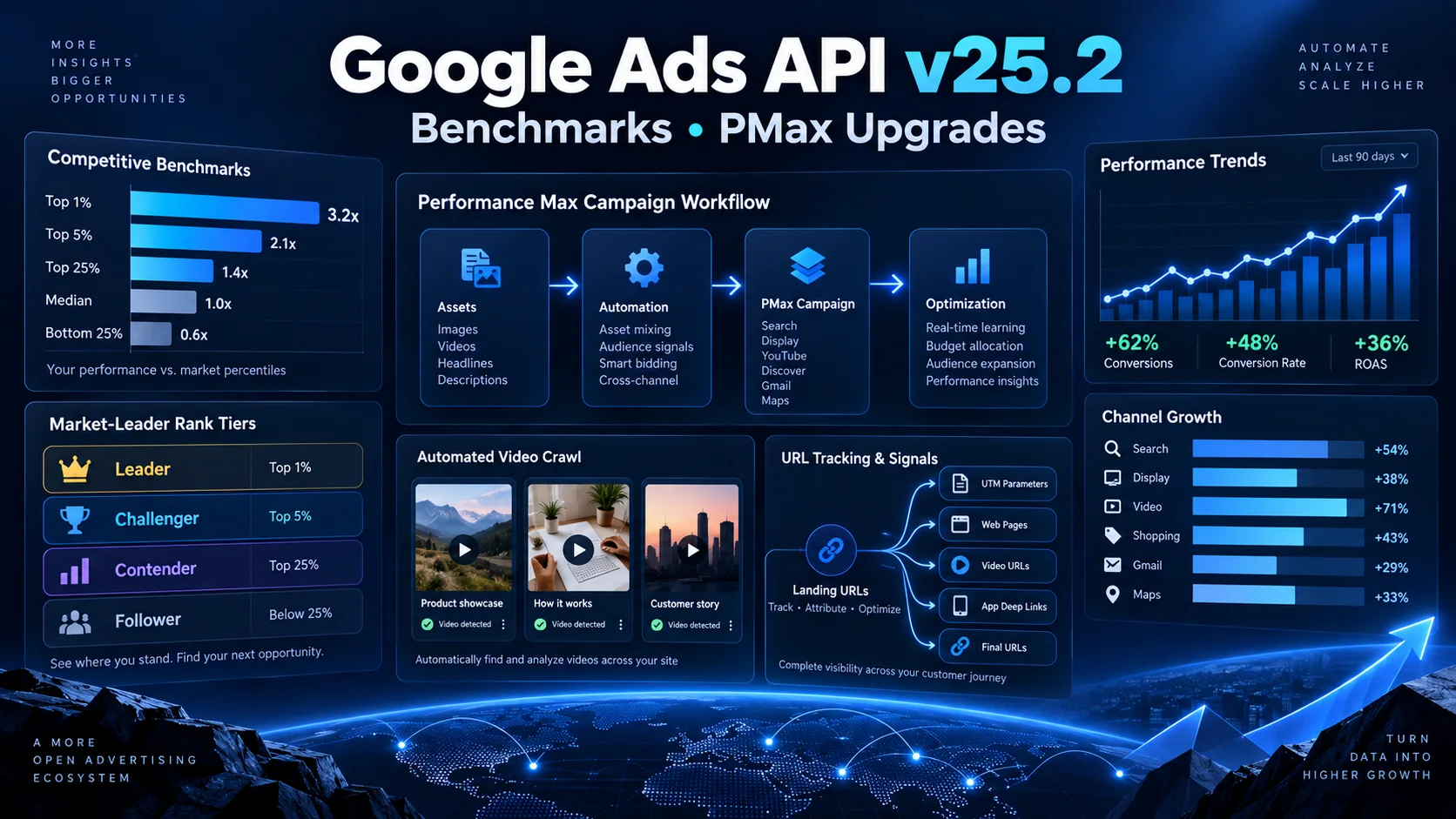
Google Ads API v25.2 में क्या नया है? Competitive Benchmarks और PMax Upgrades को आसान हिंदी में समझें
Google Ads API v25.2 में competitive percentile benchmarks, Performance Max video crawl, asset-group URL tracking और Smart Campaign से PMax draft बनाने जैसे बदलाव आए हैं। Advertisers, agencies और developers के लिए इन updates का practical मतलब आसान हिंदी में समझें।
12 · Read blog
Startup Marketing कैसे करें? Low-Budget Strategy और 90-Day Plan 2026
नई startup के लिए market research, branding, website, social media, content, PR, referrals, email, budget और 90-day marketing roadmap की detailed Hindi guide।
8 · Read blog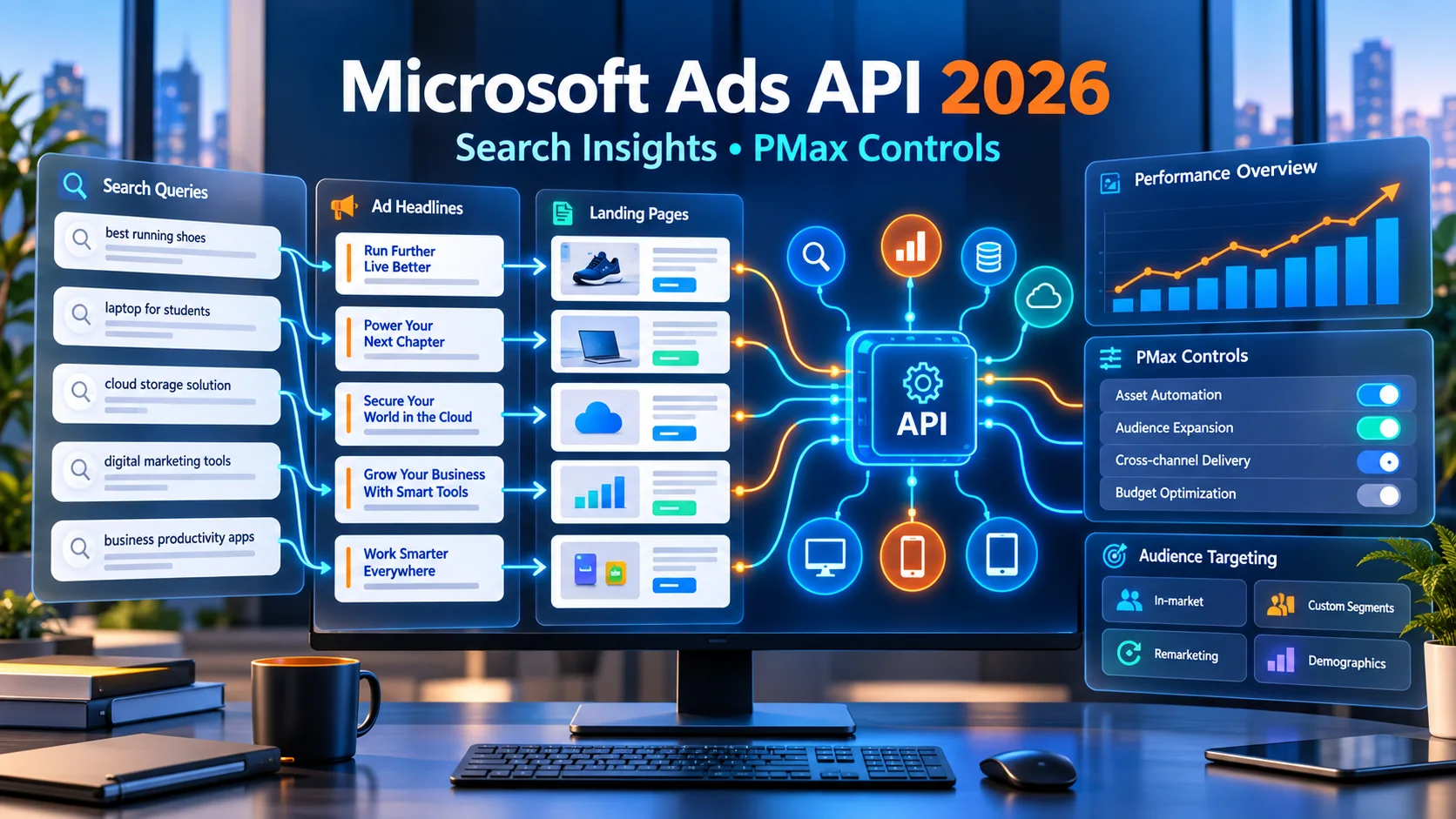
Microsoft Ads API में बड़ा अपडेट: Search Reporting और PMax Controls को आसान हिंदी में समझें
Microsoft Advertising API में Search Term Landing Page Report, Performance Max device exclusions और LinkedIn-based targeting support जैसे बदलाव आए हैं। आसान हिंदी में समझिए कि advertisers, agencies और developers इनका सही उपयोग कैसे कर सकते हैं।
6 · Read blog
Comments 0
No comments yet. Be the first to share a useful thought.
Leave a comment
Your email address will not be published. Comments are reviewed before appearing. Web addresses are displayed as plain text and are never clickable.